



How to Use Groups and Components in BIMeta Form
2 views · by Kevin J Bruno · updated 1 minute ago
Steps
- Select the geometry.
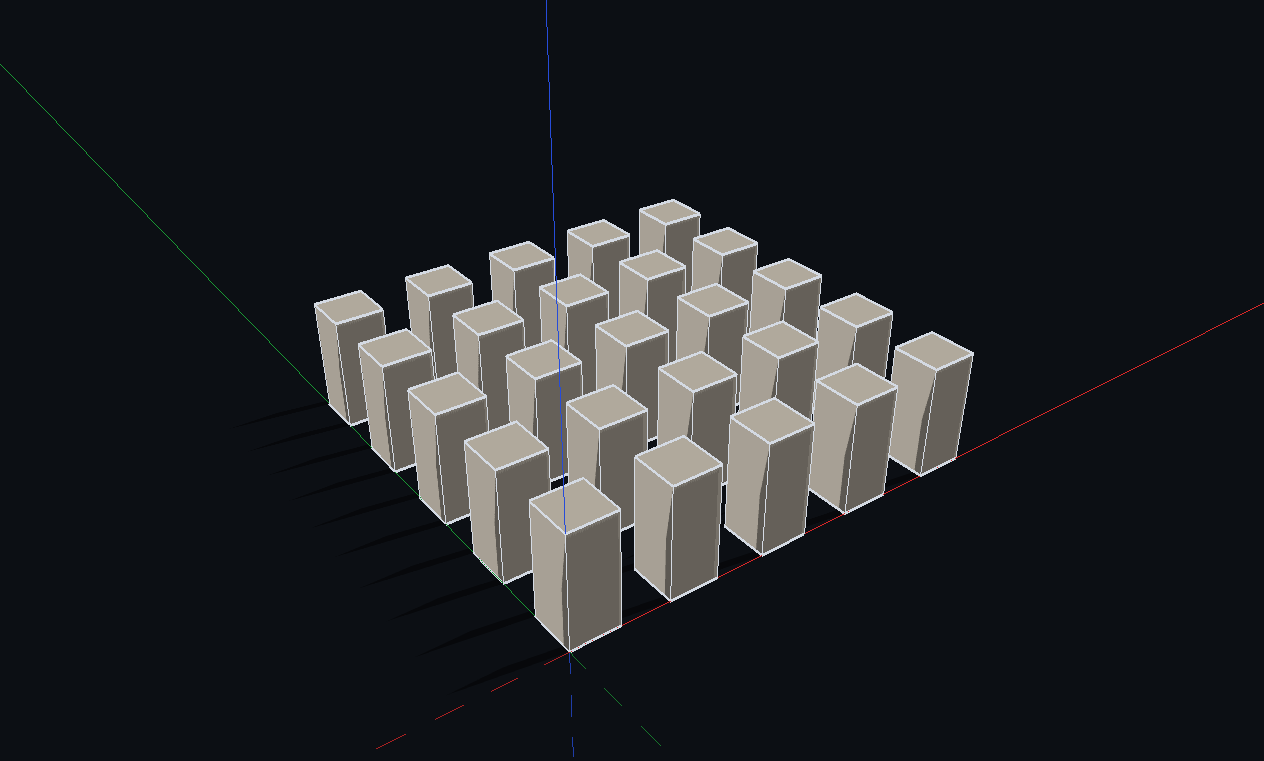
- Press Ctrl+G to make a group, or G to make a component (all copies update together).
- Use Make Unique to split one component copy off from the rest.
More help
Was this article helpful?
Share