How to Model with Push/Pull in BIMeta Form
2 views · by Kevin J Bruno · updated 1 minute ago
Steps
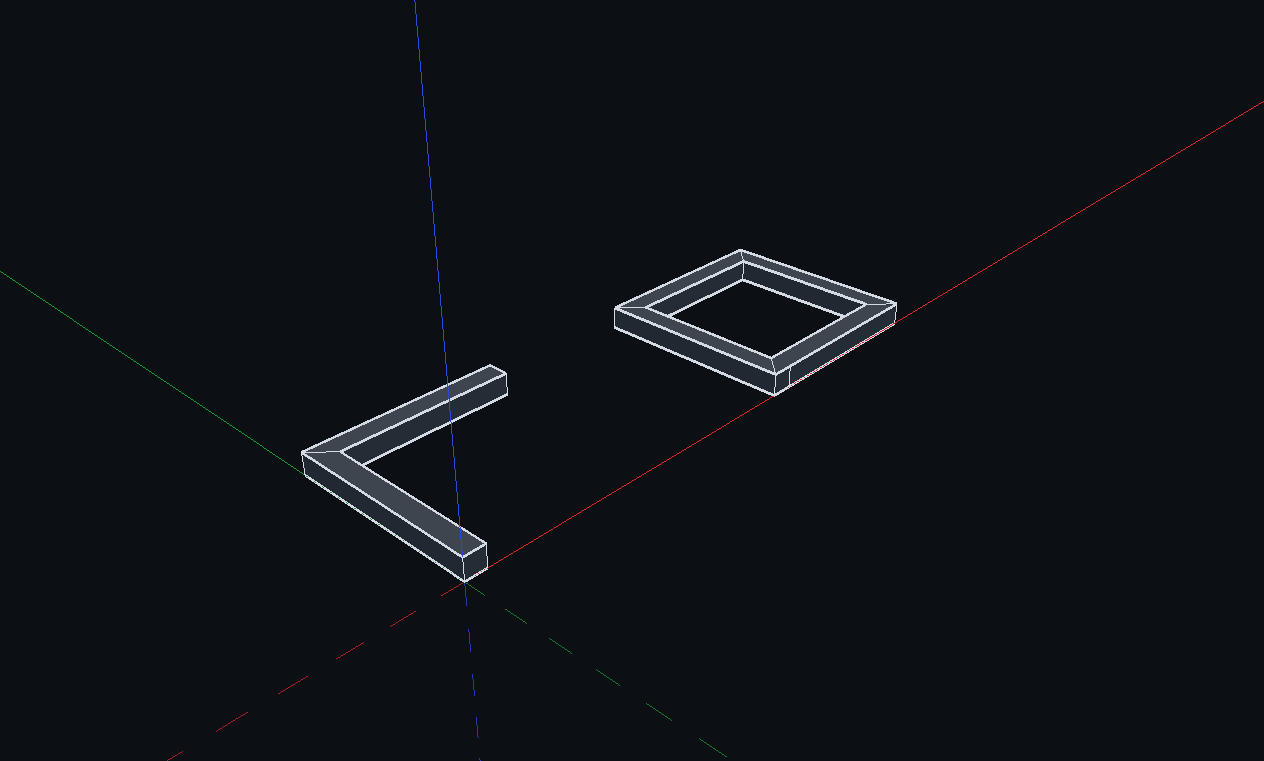
- Press R and click two corners.
- Press P and click the new face.
- Type a distance and press Enter.
More help
Was this article helpful?
Share
 Software Center
Switch portal
 BIMeta Help Center
Answers, guides and support for your BIMeta account and the BIMeta platform.
Software Center
Guides, how-tos and troubleshooting for every BIMeta app — desktop, Revit, web and mobile.
BIMeta Help Center
Answers, guides and support for your BIMeta account and the BIMeta platform.
Software Center
Guides, how-tos and troubleshooting for every BIMeta app — desktop, Revit, web and mobile.
 Trust & Safety Center
Our policies, privacy commitments, transparency reports and how we keep BIMeta safe.
Trust & Safety Center
Our policies, privacy commitments, transparency reports and how we keep BIMeta safe.
 People & HR
Policies, principles and guidance for the BIMeta team.
People & HR
Policies, principles and guidance for the BIMeta team.
2 views · by Kevin J Bruno · updated 1 minute ago
Was this article helpful?
Share