



How to Present with Scenes, Shadows and Sections
2 views · by Kevin J Bruno · updated 2 minutes ago
Steps
- Open Window > Scenes and save camera views.
- Open Window > Shadows, set the location, date and time.
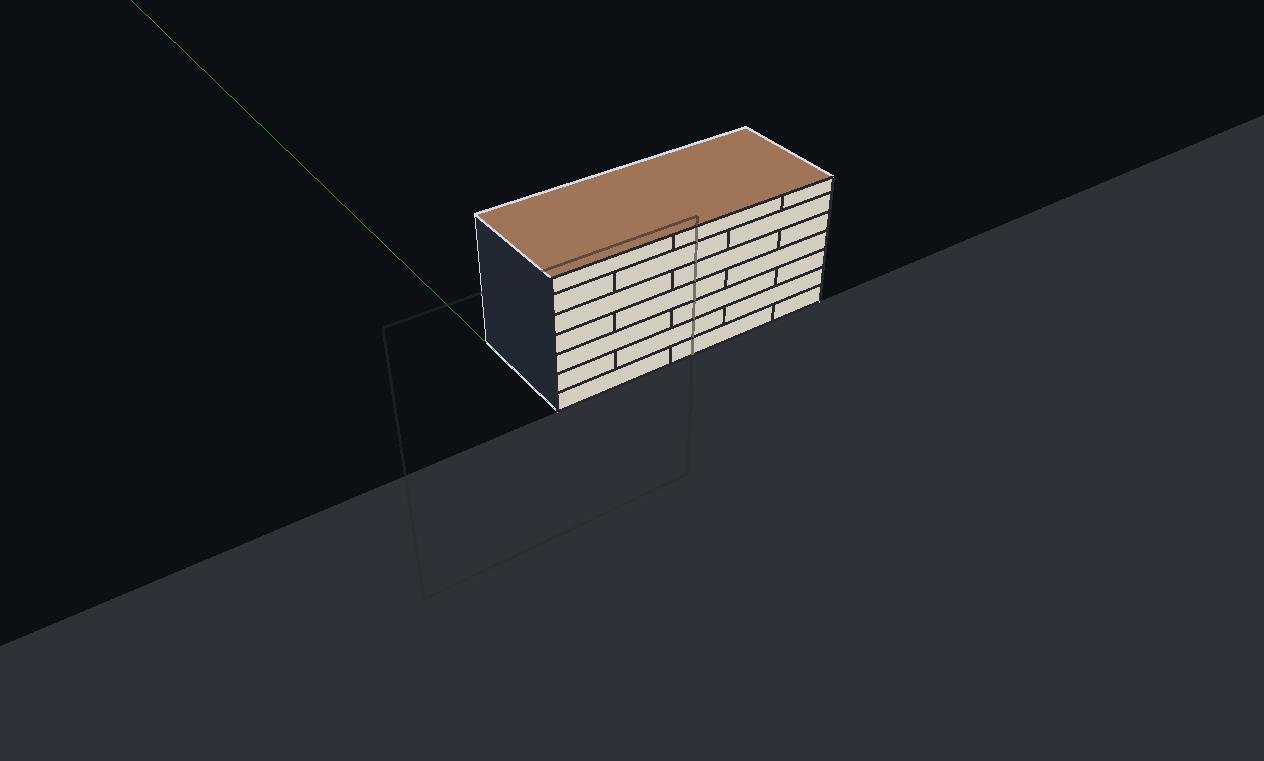
- Add a section plane and turn on View > Section Fill.
More help
Was this article helpful?
Share