



BIMeta Form: Overview
2 views · by Kevin J Bruno · updated 1 minute ago
BIMeta Form is a direct 3D modelling app for architecture and design. Draw edges, let closed shapes become faces, then push and pull them into solids. Add materials, sun-accurate shadows, scenes and section planes, export to common 3D and CAD formats, and turn scenes into drawing sets with the companion app, BIMeta Layout.
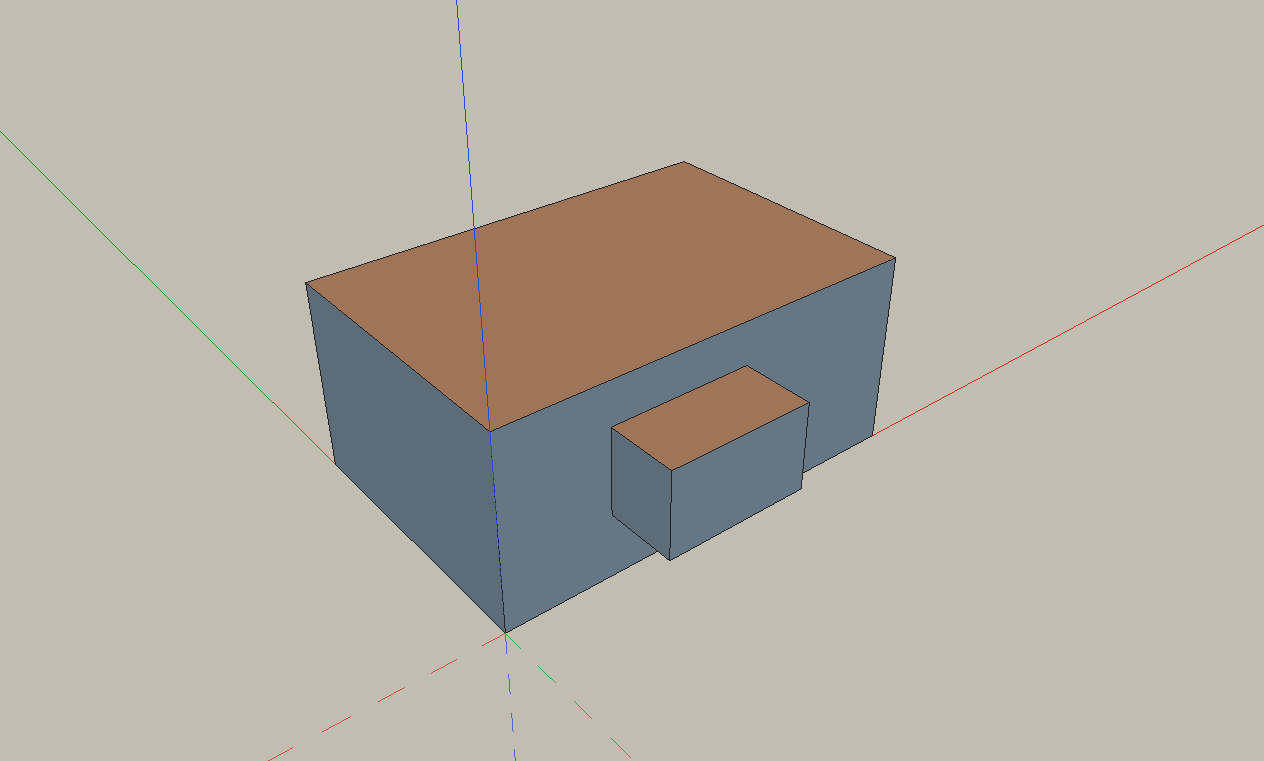
What you can do
- Line, Rectangle, Circle, Arc, Push/Pull, Offset, Follow Me, Move, Rotate, Scale, Paint Bucket, Tape Measure
- Inference snapping with colour, shape and text cues
- Groups and components, including dynamic components with formulas
- Tags, Outliner and Entity Info
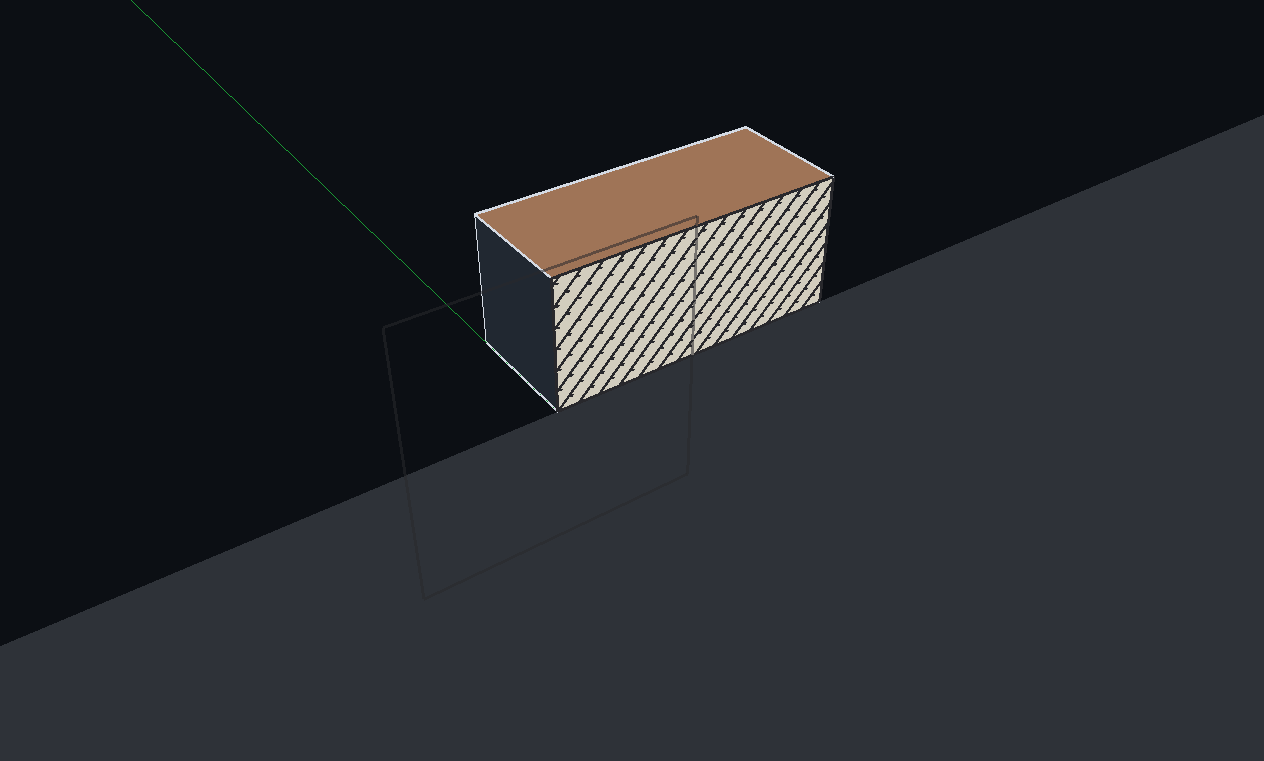
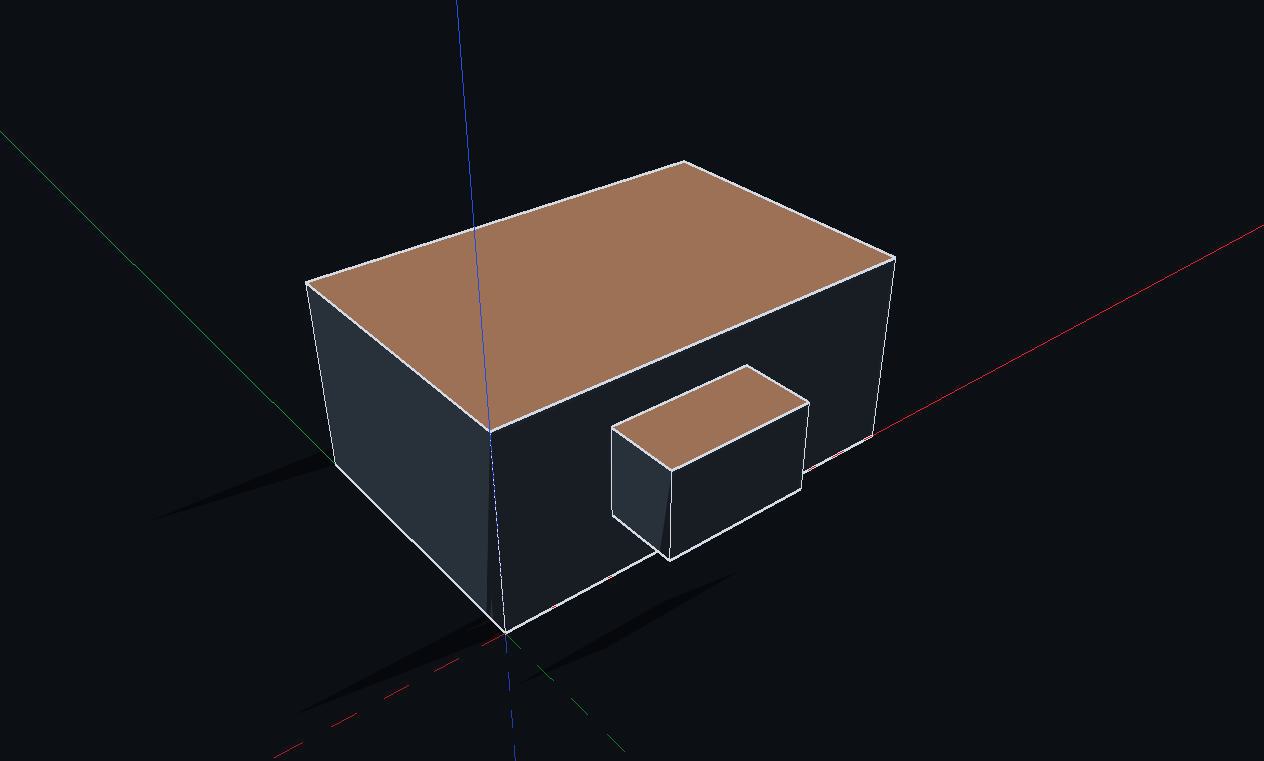
- Materials, Styles, Shadows, Scenes and Section planes with Section Fill
- Import/export OBJ, STL, PLY, COLLADA, glTF/GLB and DXF; IFC4 export; image export
- Match Photo, quantity reports (CSV/XLSX), Issues (comments saved in the model)
- Extensions (.bfmext) through the Extension Manager
- BIMeta Layout for printed drawing sets (vector PDF/DXF)
System requirements
- Windows 10 (1809) or later
- A graphics card with OpenGL 3.3
- Administrator rights for the default install
More help
Was this article helpful?
Share