



How to Record a Narrated Tutorial
2 views · by Kevin J Bruno · updated 2 minutes ago
Steps
- Turn on Tutorial Session (Ctrl+Alt+T). This enables the webcam bubble, system audio and microphone together.
- Start recording.
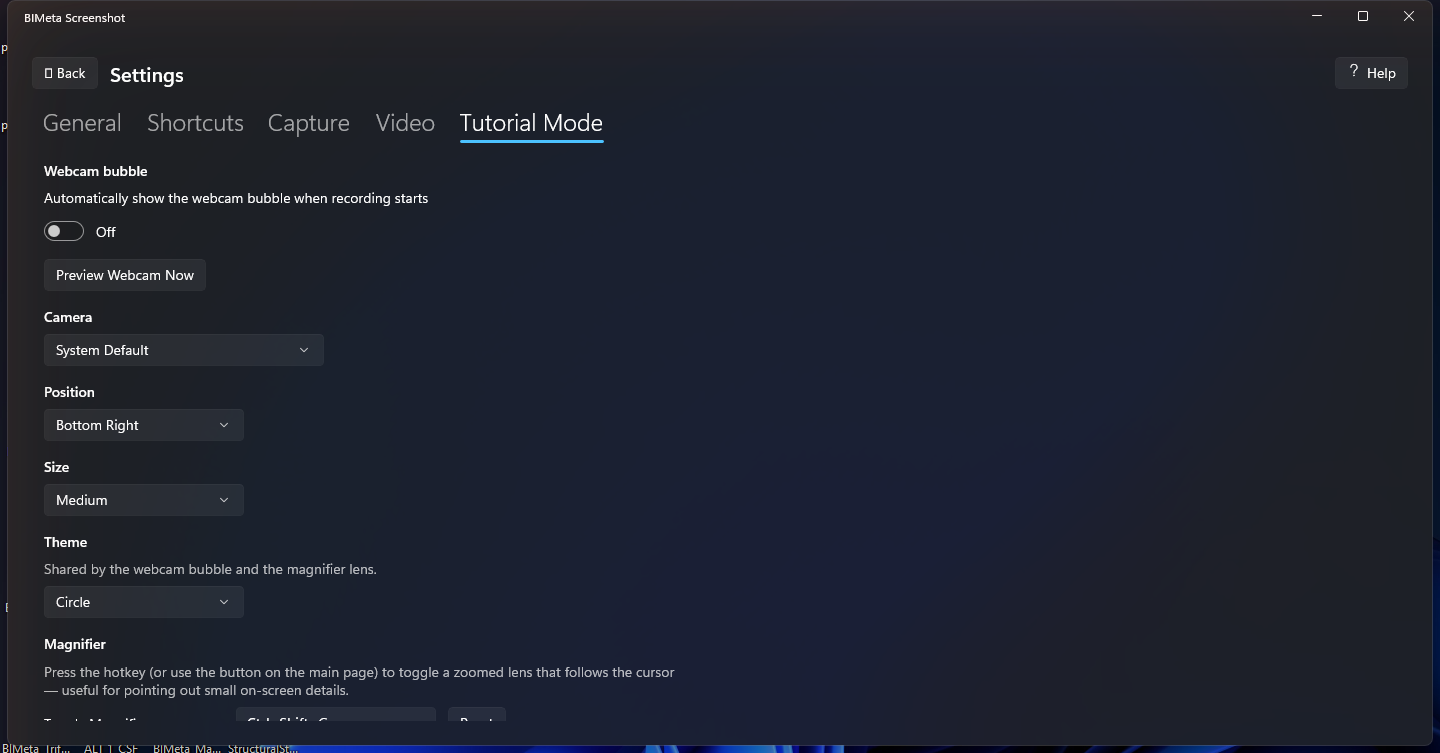
- Adjust the webcam bubble and magnifier in Settings > Tutorial Mode.
More help
Was this article helpful?
Share