



How to Capture Part of Your Screen
2 views · by Kevin J Bruno · updated 3 minutes ago
Steps
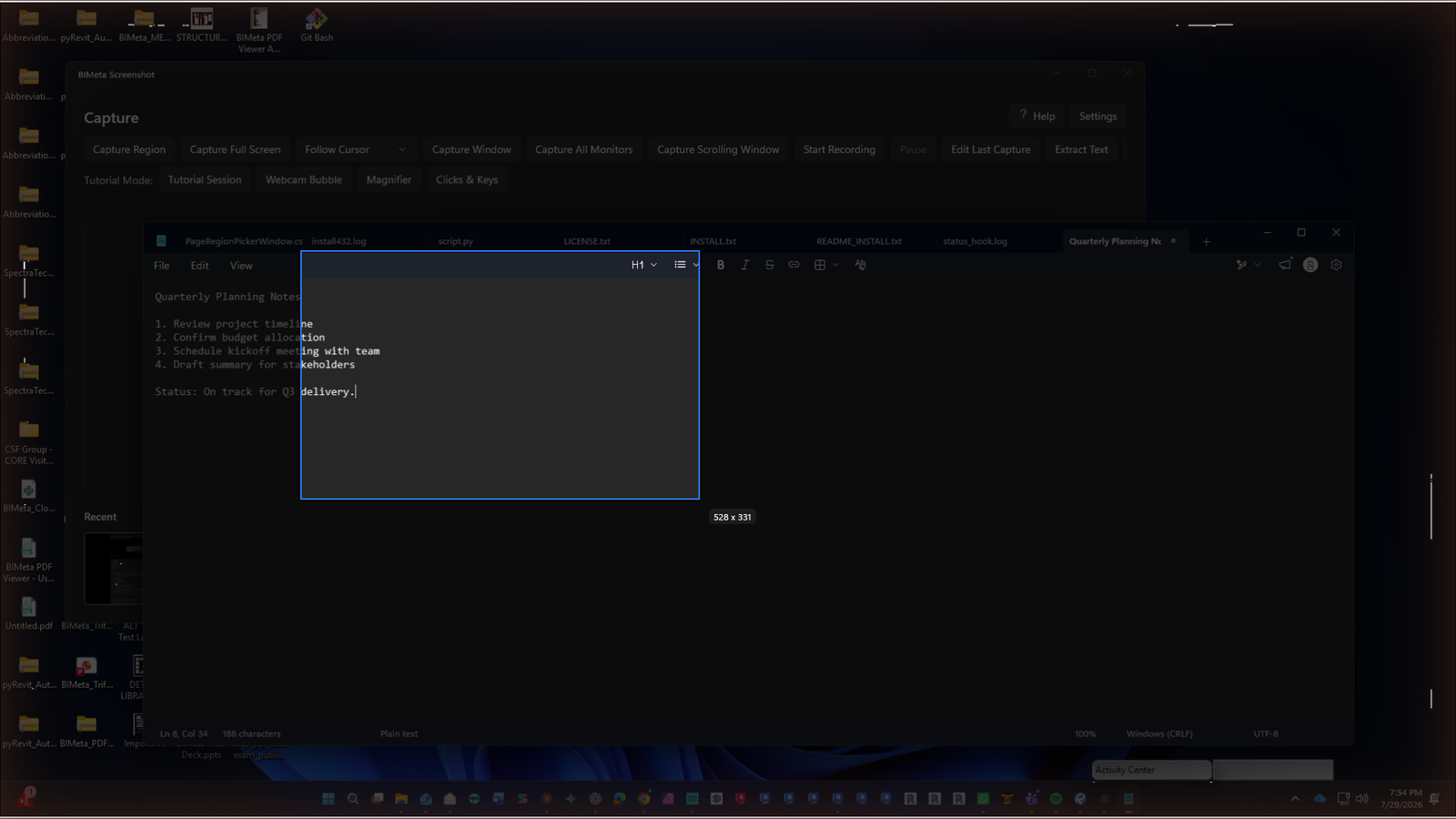
- Press Ctrl+Alt+R.
- Drag over the area (or click two corners). Esc cancels.
- The editor opens — annotate, then click Save.
More help
Was this article helpful?
Share