



BIMeta Screenshot: Overview
2 views · by Kevin J Bruno · updated 2 minutes ago
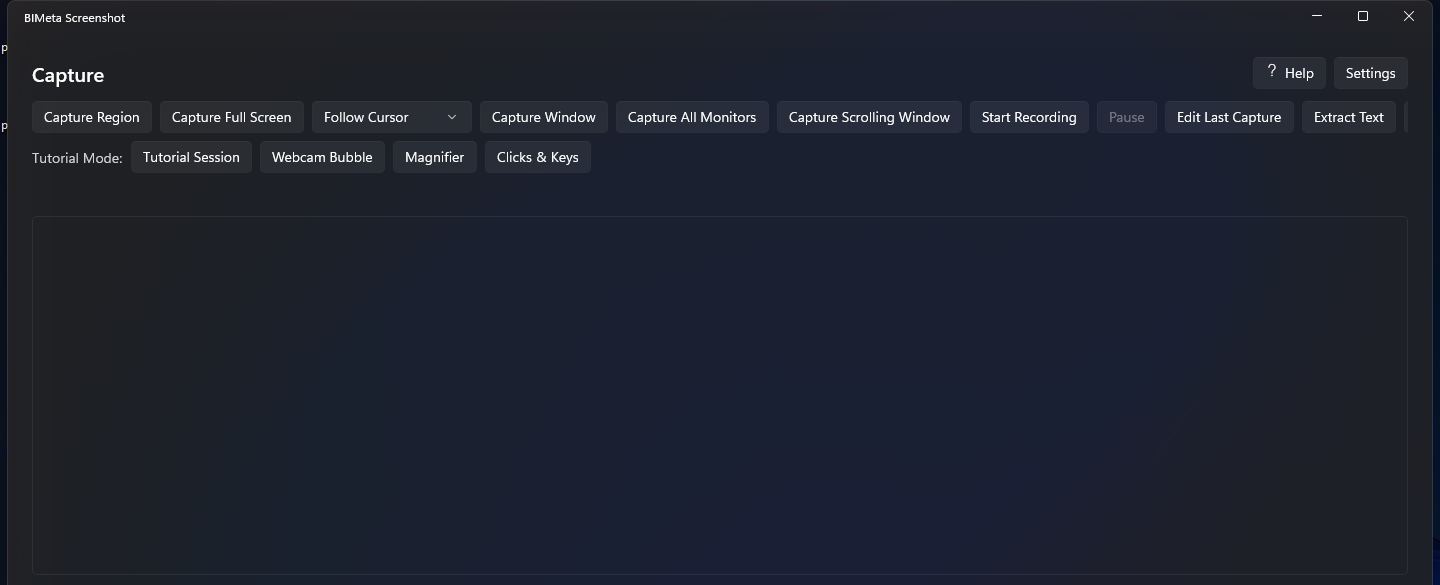
BIMeta Screenshot captures and records your screen from the system tray — regions, windows, full screens, all monitors or scrolling pages — with an annotation editor, text extraction (OCR), GIF export and a Tutorial Mode for narrated how-to videos.
What you can do
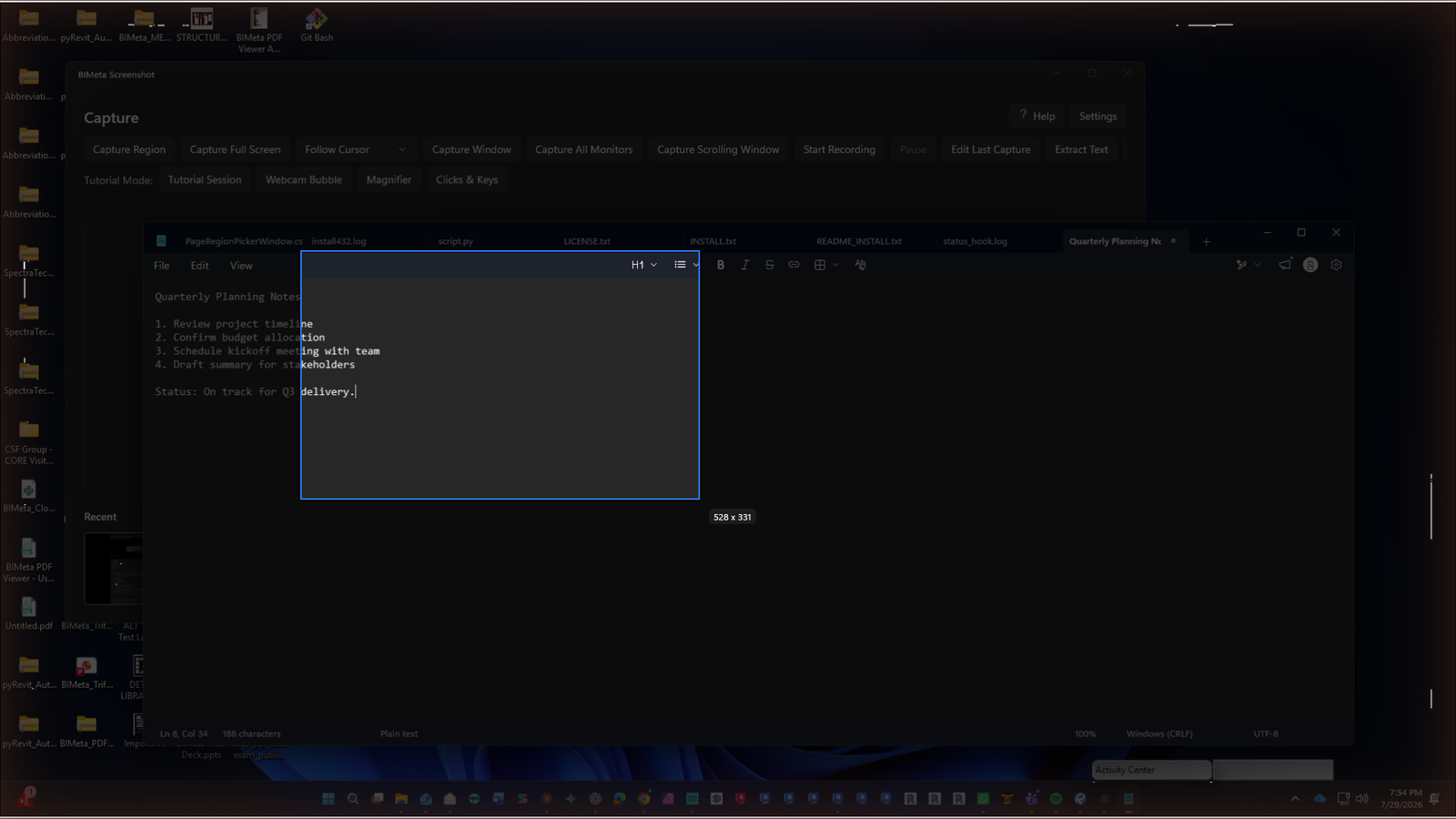
- Capture region, window, full screen, all monitors or a scrolling window; magnifier
- Record MP4 with pause, chapter markers and time-lapse
- Tutorial Mode: webcam bubble, clicks & keys overlay, spotlight, window highlight, countdown
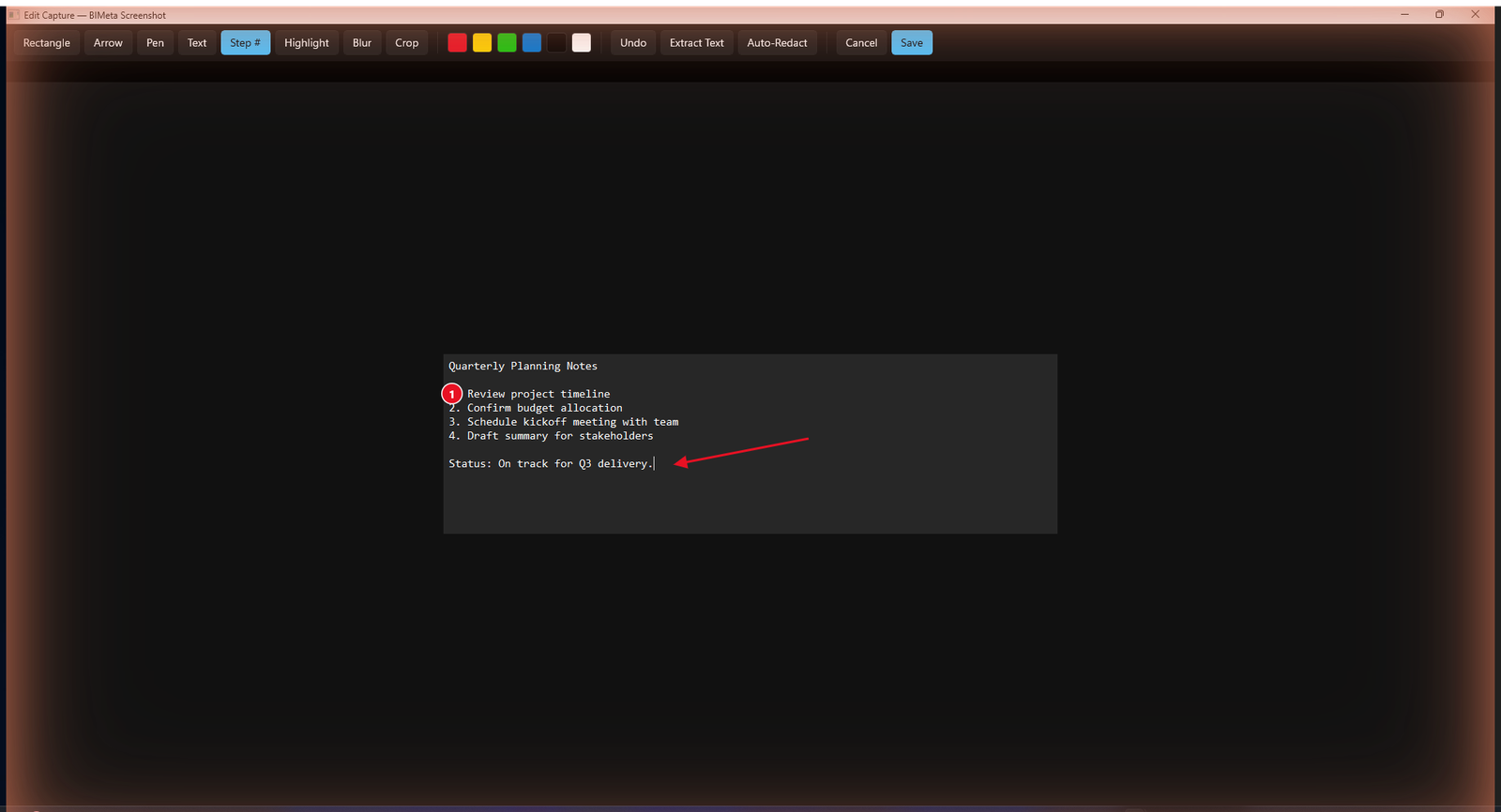
- Annotate, auto-redact sensitive info, watermark
- Extract text (OCR), trim, export GIFs, auto-captions (.srt)
- Floating bar, pin on top, capture library, share last capture
System requirements
- Windows 10 version 2004 (build 19041) or later, 64-bit
More help
Was this article helpful?
Share