



How to Set Door Offsets in Revit
2 views · by Kevin J Bruno · updated 3 minutes ago
Steps
- Select the doors to change.
- Click Set Door Offset under Additional Plugins.
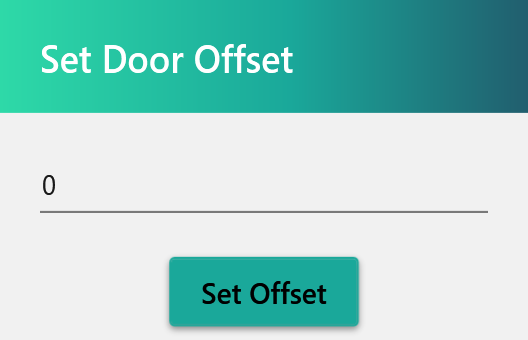
- Enter the height offset.
- Click Set Offset.
More help
- BIMeta for Revit: Overview
- Installing and Signing In to BIMeta for Revit
- How to Find and Place a Family from the AEC Library
- How to Renumber Doors Automatically in Revit
- How to Color Ducts, Pipes and Conduit by System
- How to Override View Depth in Revit
- How to Place Detail Components with BIMeta
- BIMeta for Revit Settings
- Troubleshooting BIMeta for Revit
Was this article helpful?
Share