



BIMeta for Revit: Overview
2 views · by Kevin J Bruno · updated 2 minutes ago
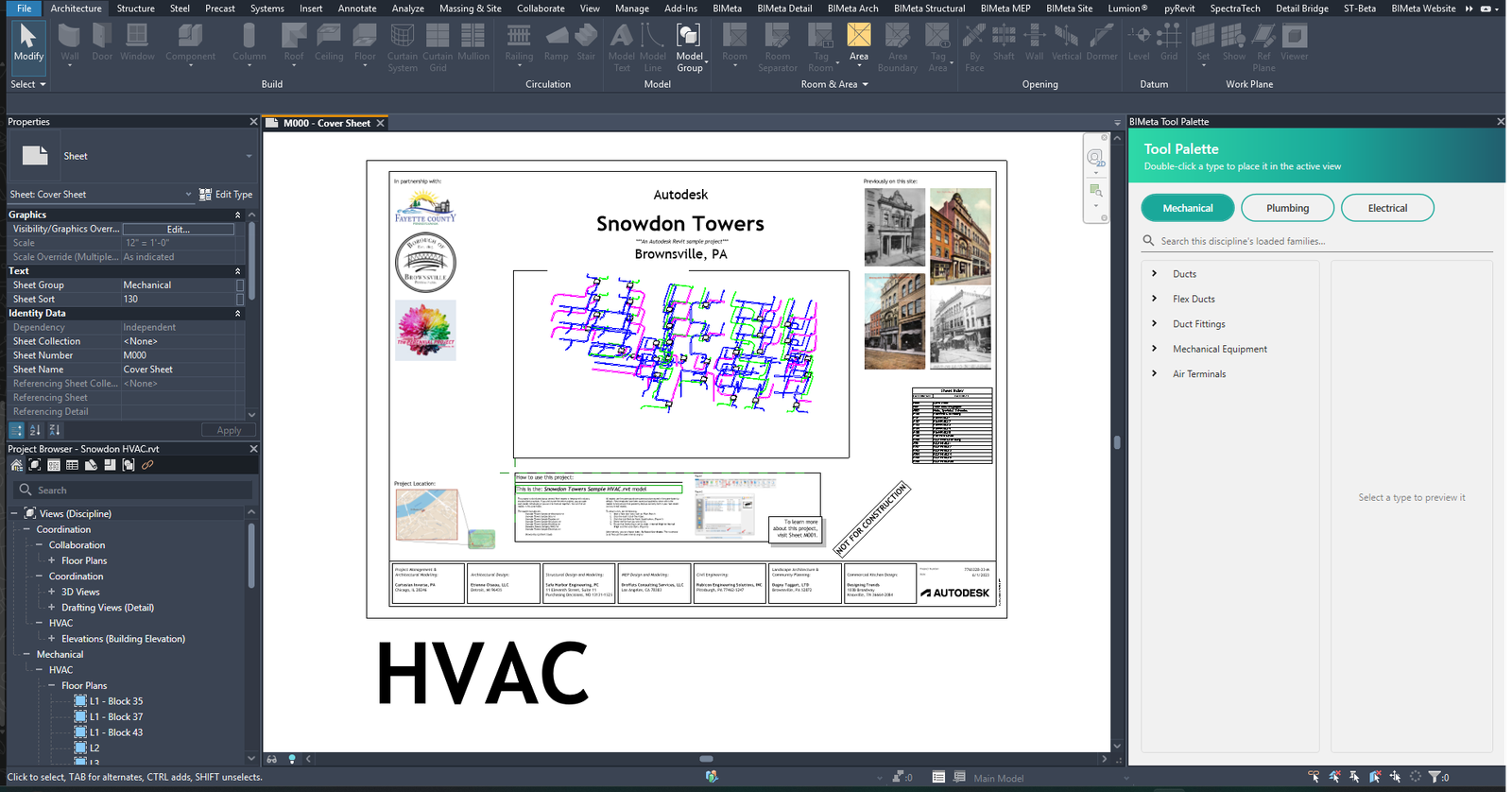
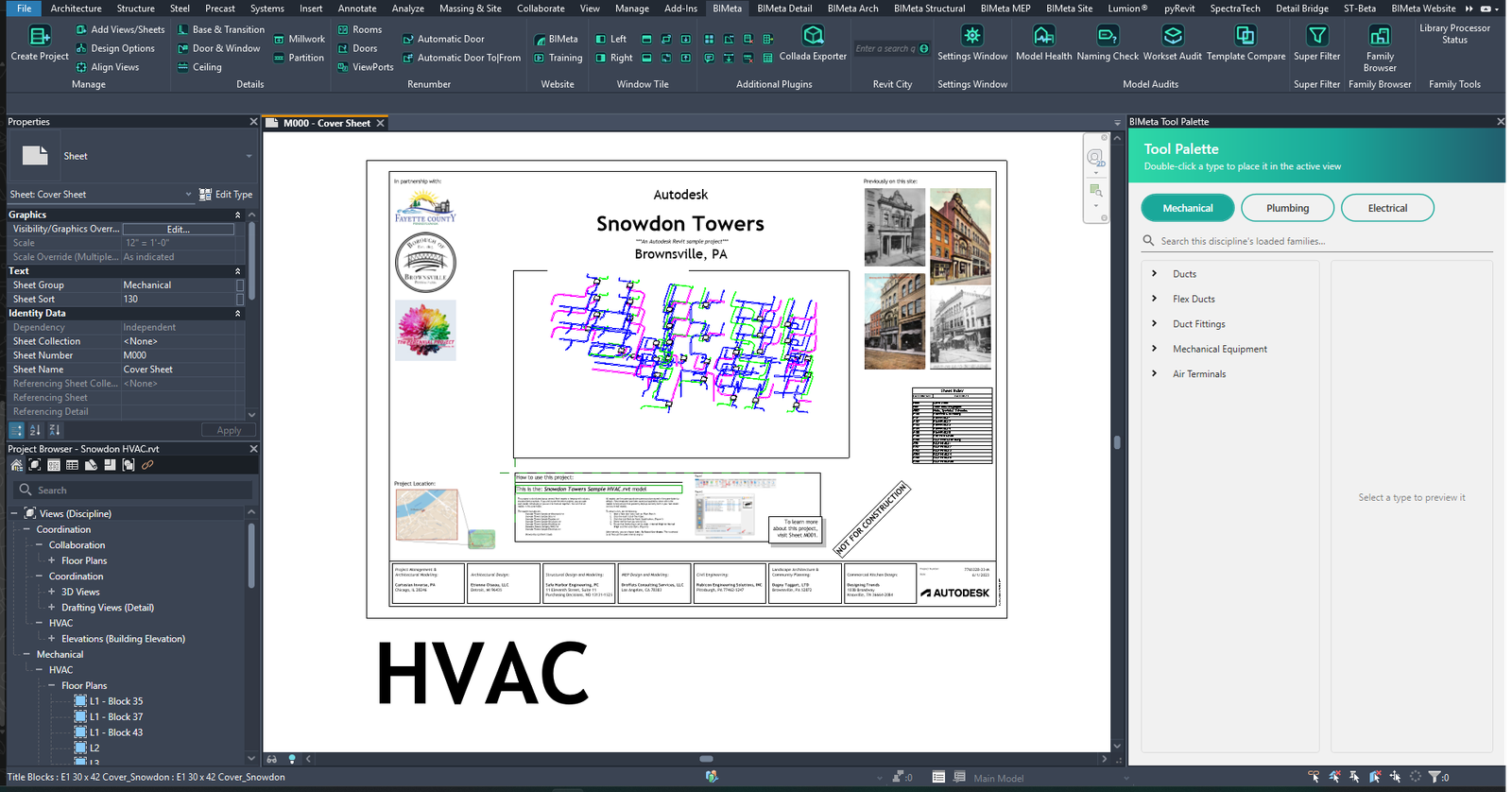
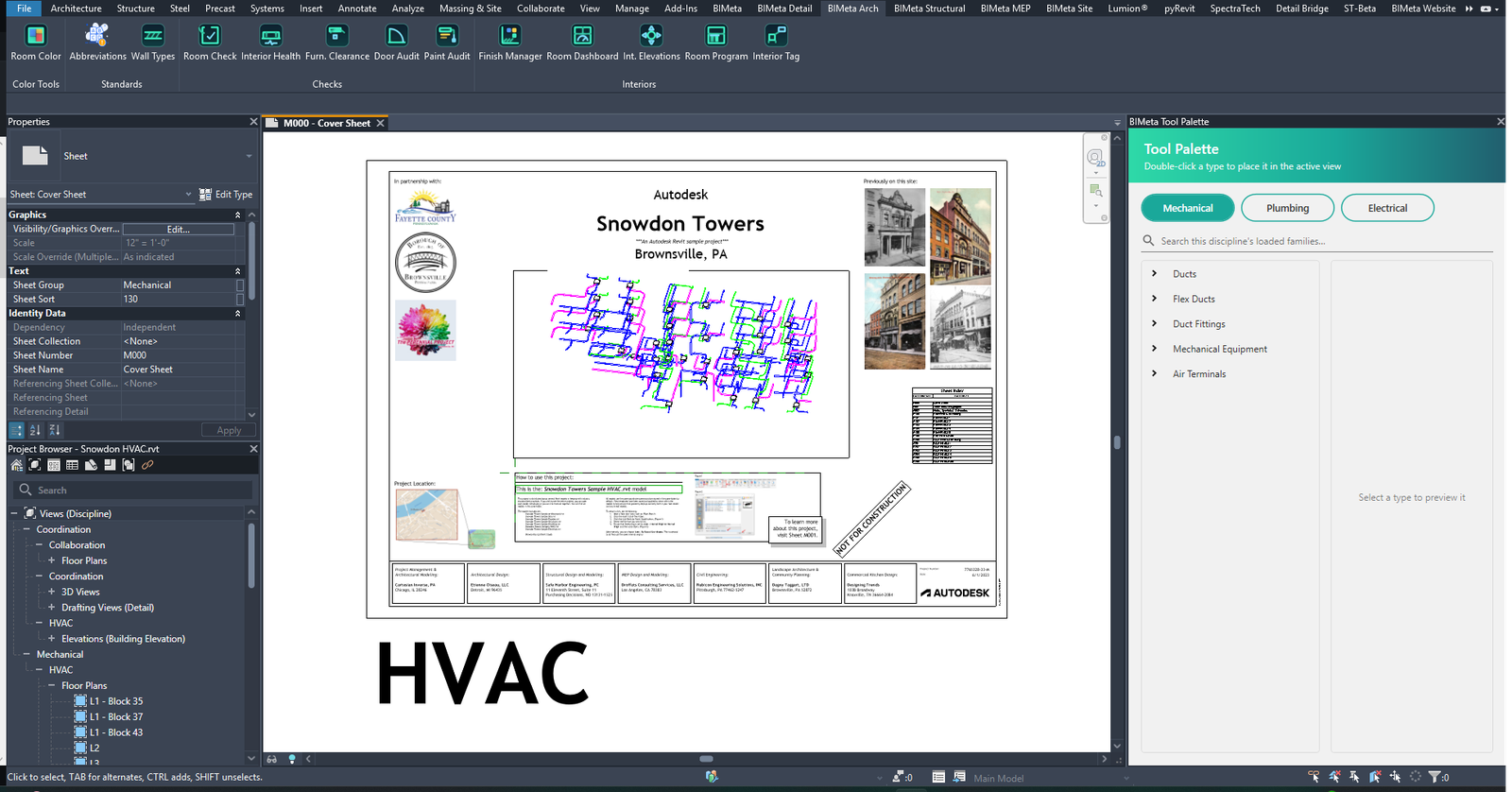
BIMeta for Revit adds a BIMeta ribbon tab to Autodesk Revit, plus discipline tabs — BIMeta Detail, BIMeta Arch, BIMeta Structural, BIMeta MEP and BIMeta Site. It speeds up project setup, detailing, renumbering and model audits, and gives you the AEC Library family browser, all with your BIMeta account.
What you can do
- Manage: Create Project, Add New Views and Sheets, Design Options, View Alignment Tool
- Details: Base & Transition, Door & Window, Ceiling, Millwork and Partition details
- Renumber: by rooms, doors or viewports, plus Automatic Door Renumber
- Family Browser for the AEC Library (Company Library, Local and Catalog) and Super Filter
- Color by system: Duct, Pipe, Conduit, Room, Framing and Site Color
- Audits: Model Health, Naming Check, Workset Audit, Template Compare, Clearance Scanner, Standards Check and more
- Additional plugins: Tool Palettes, Set Door Offset, View Depth Override, Remove All DWG Import Files, Export To Excel, Schedule Spell Check
- Window Tile tools to arrange open views
- Press F1 on any BIMeta button to open its help article
System requirements
- Windows 10 or 11, 64-bit
- Autodesk Revit 2020–2027
- 8 GB RAM (16 GB recommended)
- A BIMeta account and an internet connection at least every 7 days
More help
- Installing and Signing In to BIMeta for Revit
- How to Find and Place a Family from the AEC Library
- How to Renumber Doors Automatically in Revit
- How to Set Door Offsets in Revit
- How to Color Ducts, Pipes and Conduit by System
- How to Override View Depth in Revit
- How to Place Detail Components with BIMeta
- BIMeta for Revit Settings
- Troubleshooting BIMeta for Revit
Was this article helpful?
Share