



BIMeta Remote: Overview
2 views · by Kevin J Bruno · updated 53 seconds ago
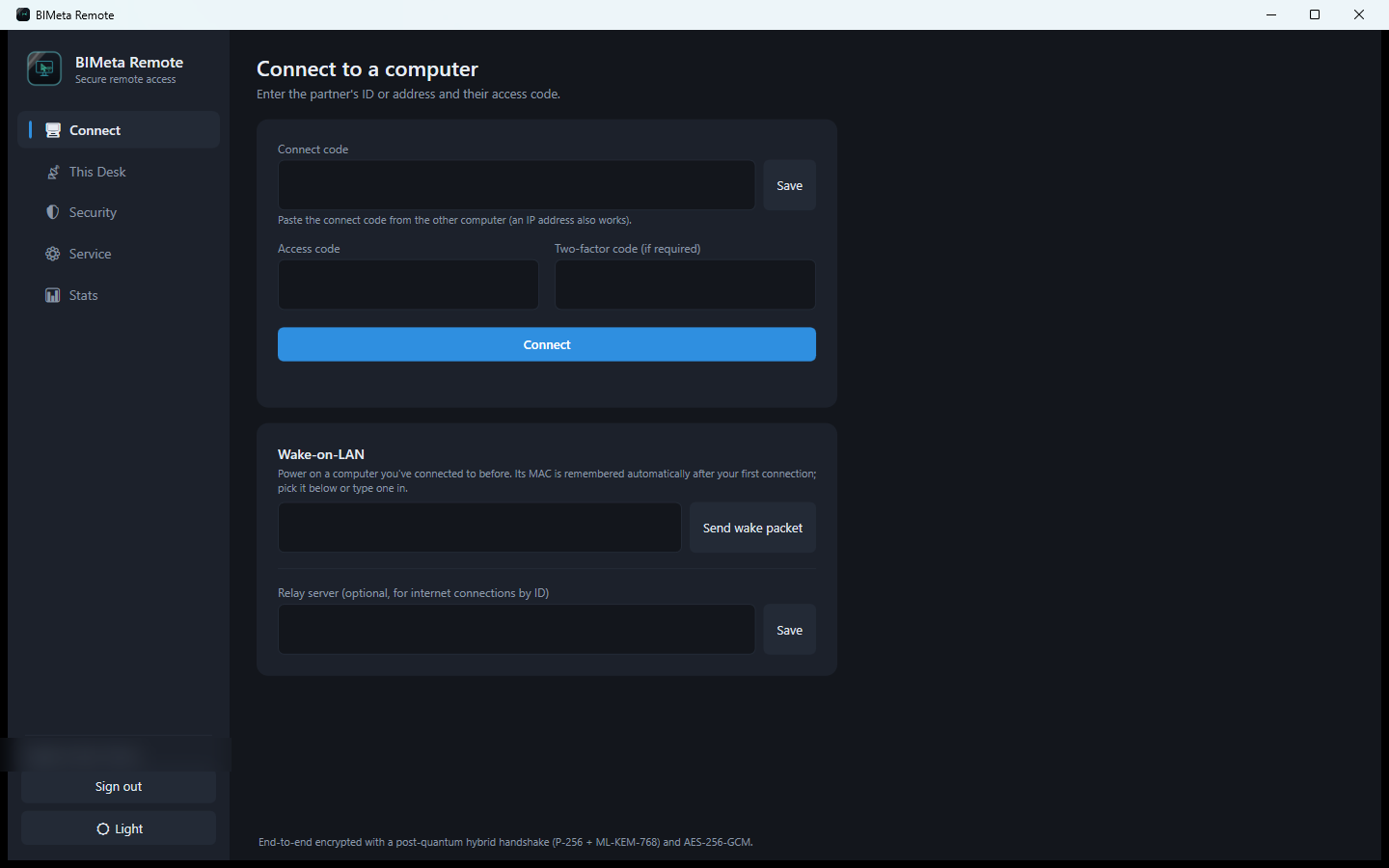
BIMeta Remote lets you see and control another computer — or let someone help you — with every session end-to-end encrypted. The person being helped shares a connect code and access code, approves the connection and chooses exactly what the other person may do.
What you can do
- Remote screen view and keyboard/mouse control
- Direct connect codes; 9-digit Device IDs through a relay
- One-time 6-digit session codes and an optional unattended password
- Per-connection permissions: view, control, clipboard, file transfer, power actions, elevated apps
- Voice, chat, file transfer, multiple monitors and session recording
- Remote shut down, restart, sleep, lock and Ctrl+Alt+Del; Wake-on-LAN
- Two-factor codes, device allow-lists, IP allow/deny lists and auto-lock
System requirements
- Windows 10/11, 64-bit, with the .NET 10 Desktop Runtime
- Administrator rights only for the always-on service
More help
Was this article helpful?
Share