



How to Connect to Another Computer
2 views · by Kevin J Bruno · updated 3 minutes ago
Steps
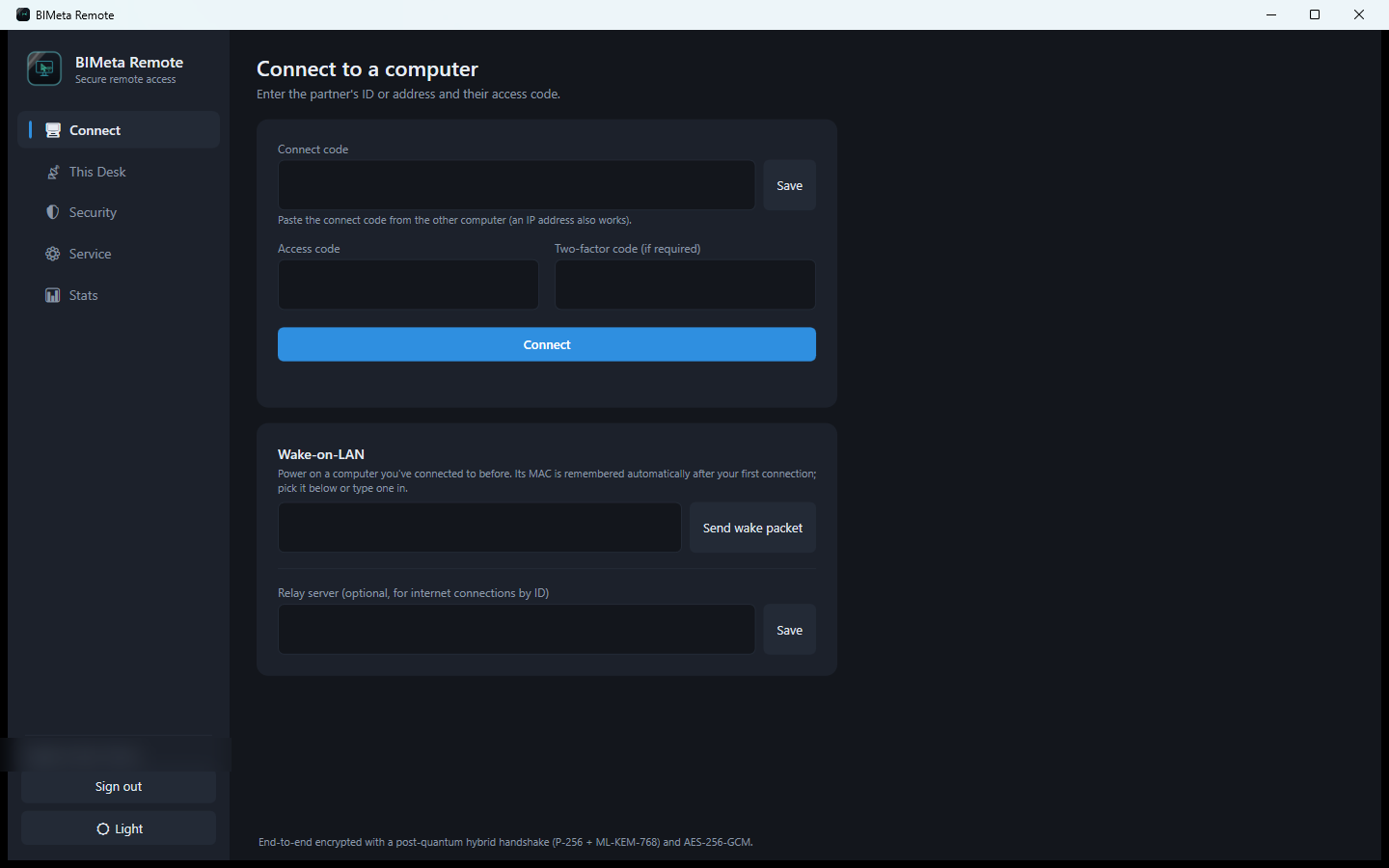
- Open Connect.
- Paste their connect code (or an IP address, or their 9-digit ID if a relay is set).
- Enter the Access code and, if asked, the Two-factor code.
- Click Connect. The session toolbar has Control, Files, Chat, Talk, Record, Send clipboard, power options and Disconnect.
More help
Was this article helpful?
Share