How to Create an Auto-Organize Rule (iPhone)
2 views · by Kevin J Bruno · updated 2 minutes ago
Steps
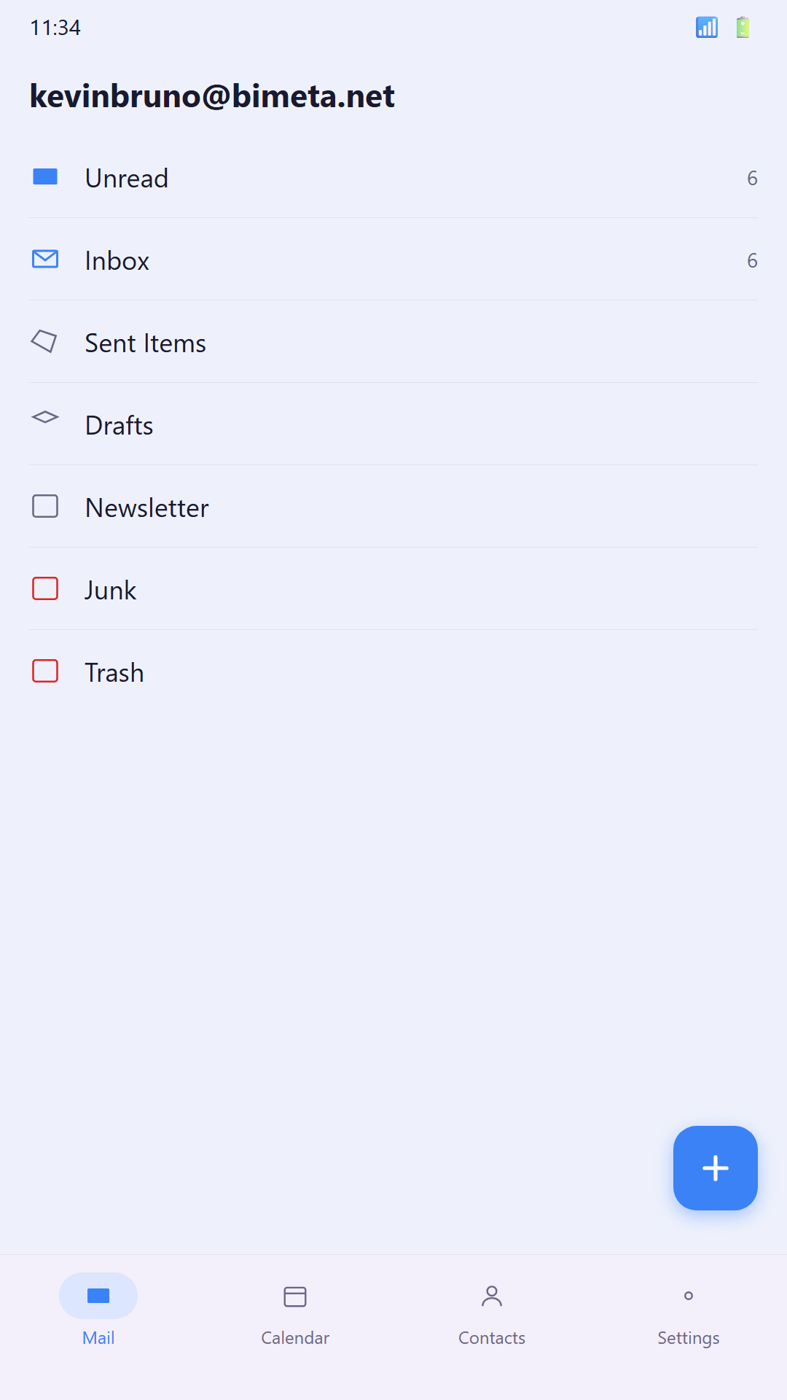
- Open Settings → Auto-Organize Rules → New Rule.
- Set If sender contains and Move to.
- Save.
More help
Was this article helpful?
Share
 Software Center
Switch portal
 BIMeta Help Center
Answers, guides and support for your BIMeta account and the BIMeta platform.
Software Center
Guides, how-tos and troubleshooting for every BIMeta app — desktop, Revit, web and mobile.
BIMeta Help Center
Answers, guides and support for your BIMeta account and the BIMeta platform.
Software Center
Guides, how-tos and troubleshooting for every BIMeta app — desktop, Revit, web and mobile.
 Trust & Safety Center
Our policies, privacy commitments, transparency reports and how we keep BIMeta safe.
Trust & Safety Center
Our policies, privacy commitments, transparency reports and how we keep BIMeta safe.
 People & HR
Policies, principles and guidance for the BIMeta team.
People & HR
Policies, principles and guidance for the BIMeta team.
2 views · by Kevin J Bruno · updated 2 minutes ago
Was this article helpful?
Share