



Revit Family Browser
3 views · updated 18 seconds ago
Hello And Welcome To Our Free Revit Family Browser!
This addon is currently available for 2022, 2023, 2024, and 2025. Please
follow the steps below to properly install our application. If you have
any questions or concerns, please do not hesitate to contact our support team
at: [email protected]

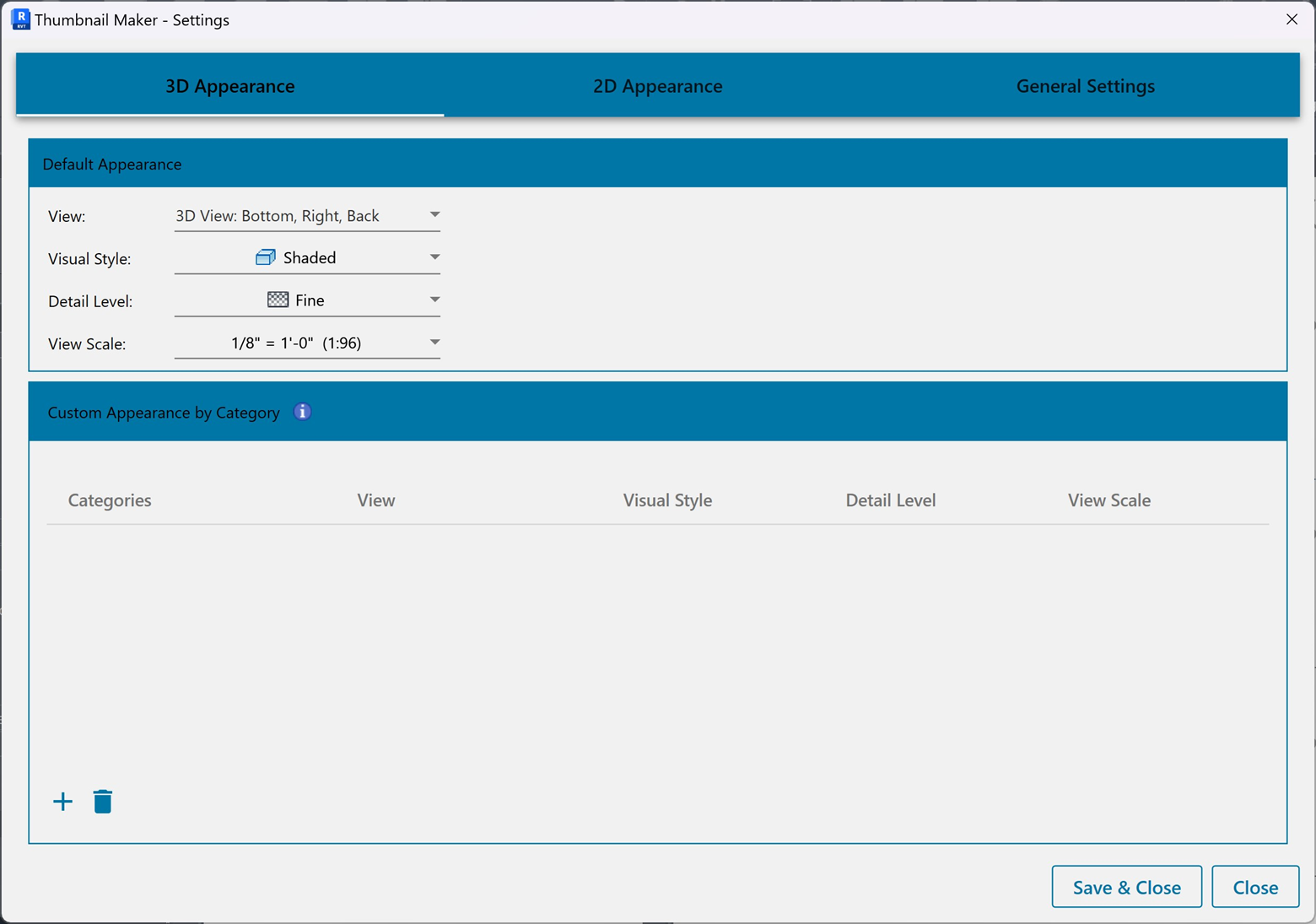
Please Note: If you would like to Remake Thumbnails, you need to Run As Administrator For Autodesk Revit.
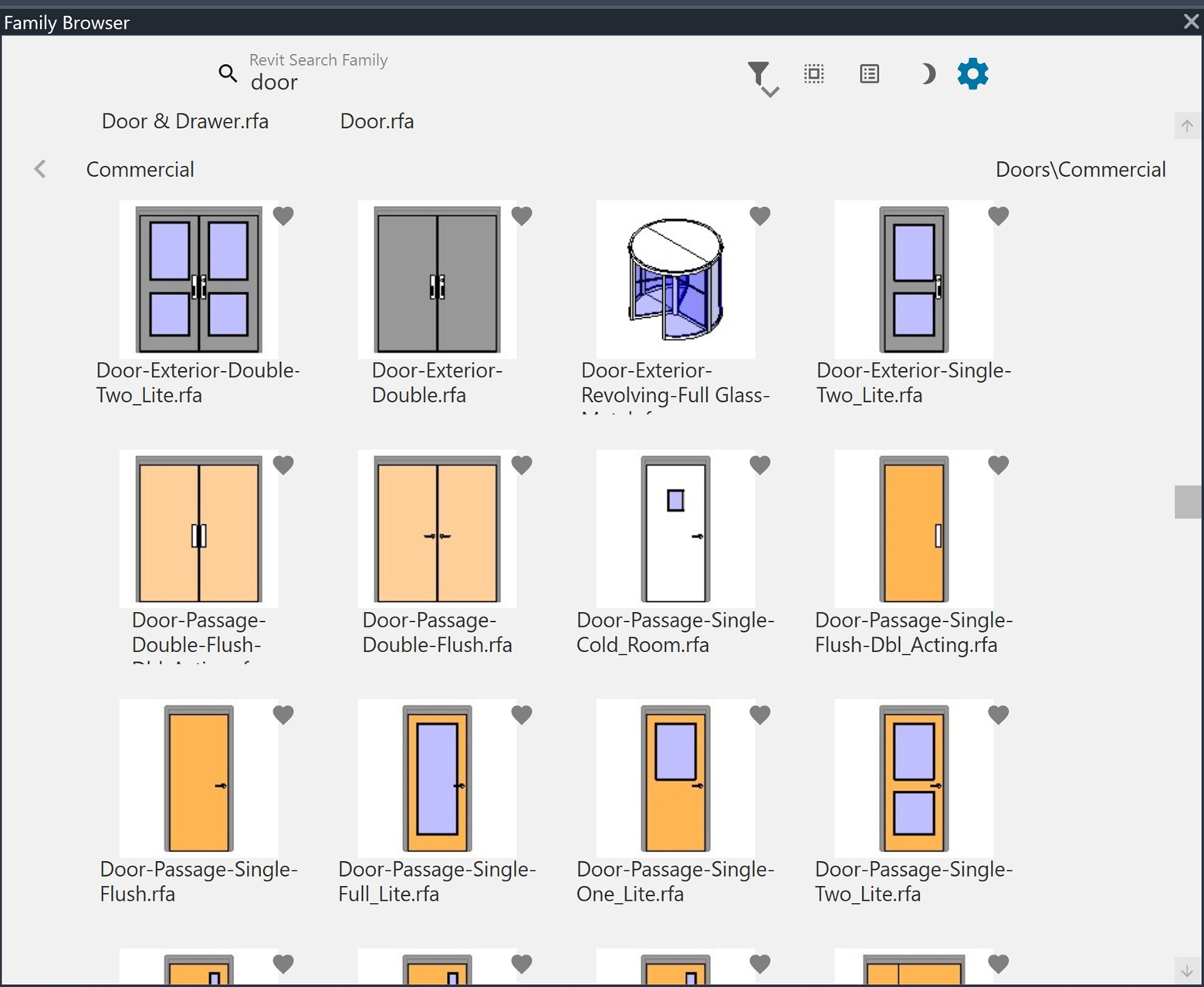
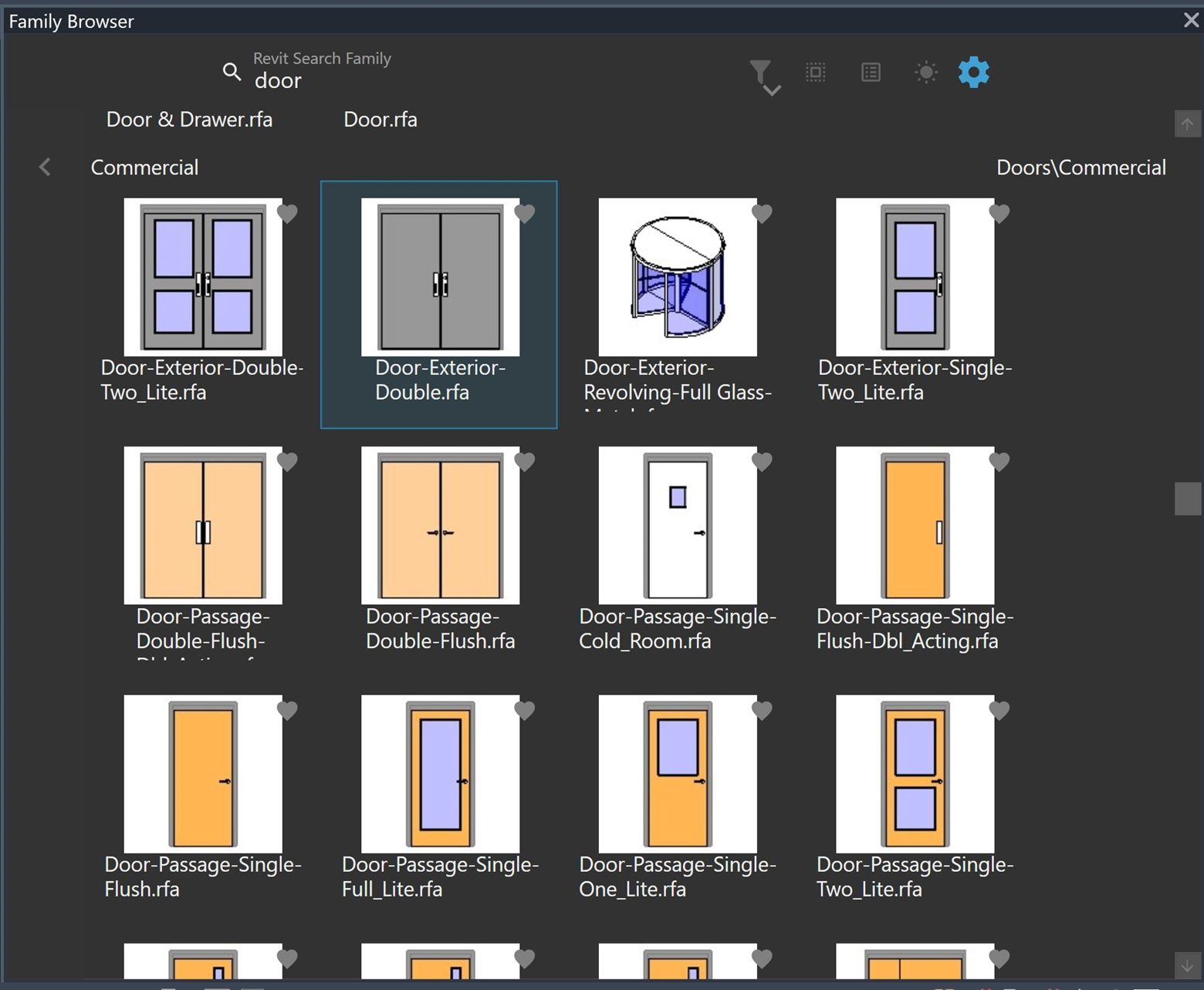
E. Toggle Light Mode Vs Dark Mode
Installation:
- In this step, please begin by downloading the latest version. You can get the latest version by clicking below:
- Once you have downloaded the installer, and open/run the application, you will be prompted below:

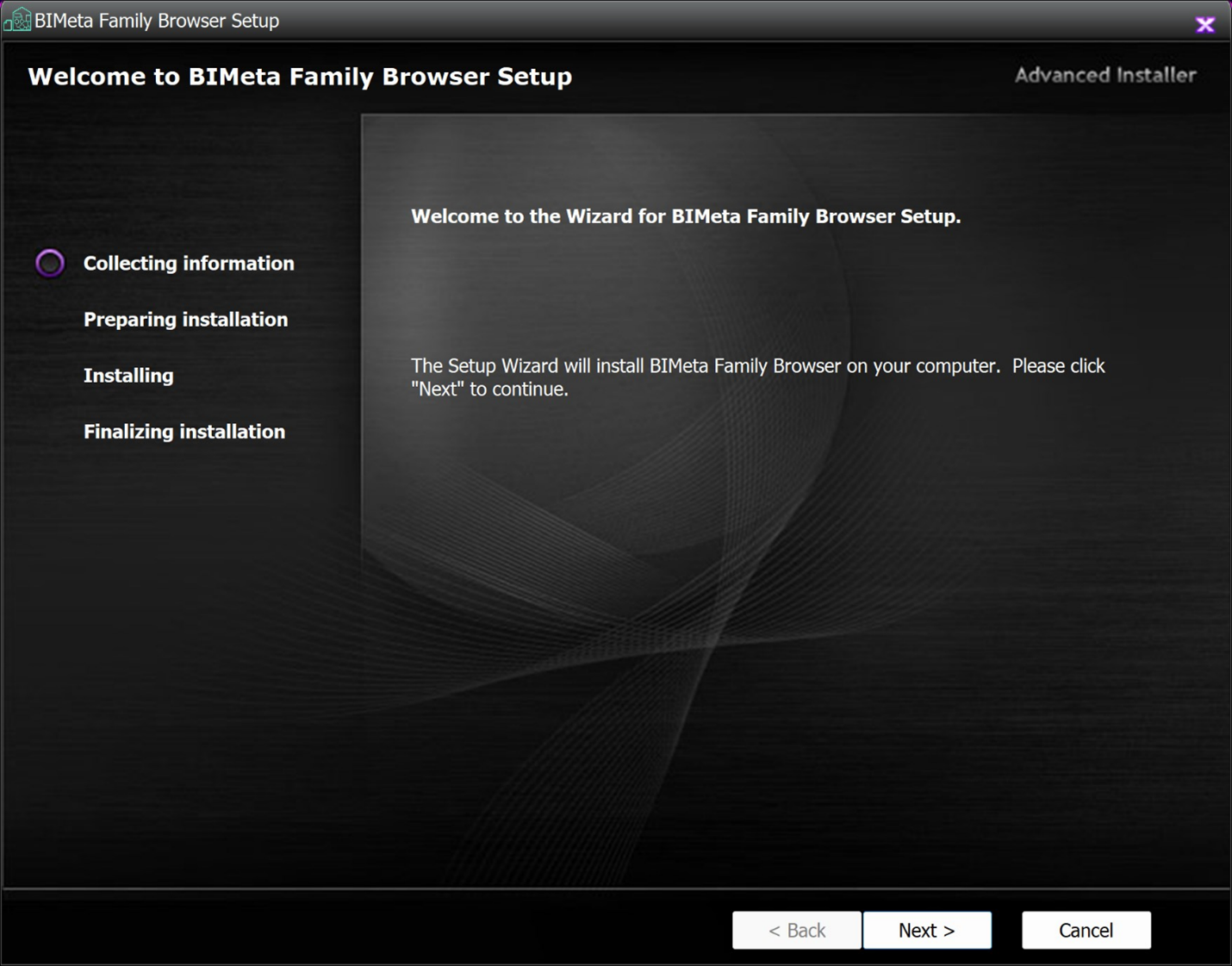
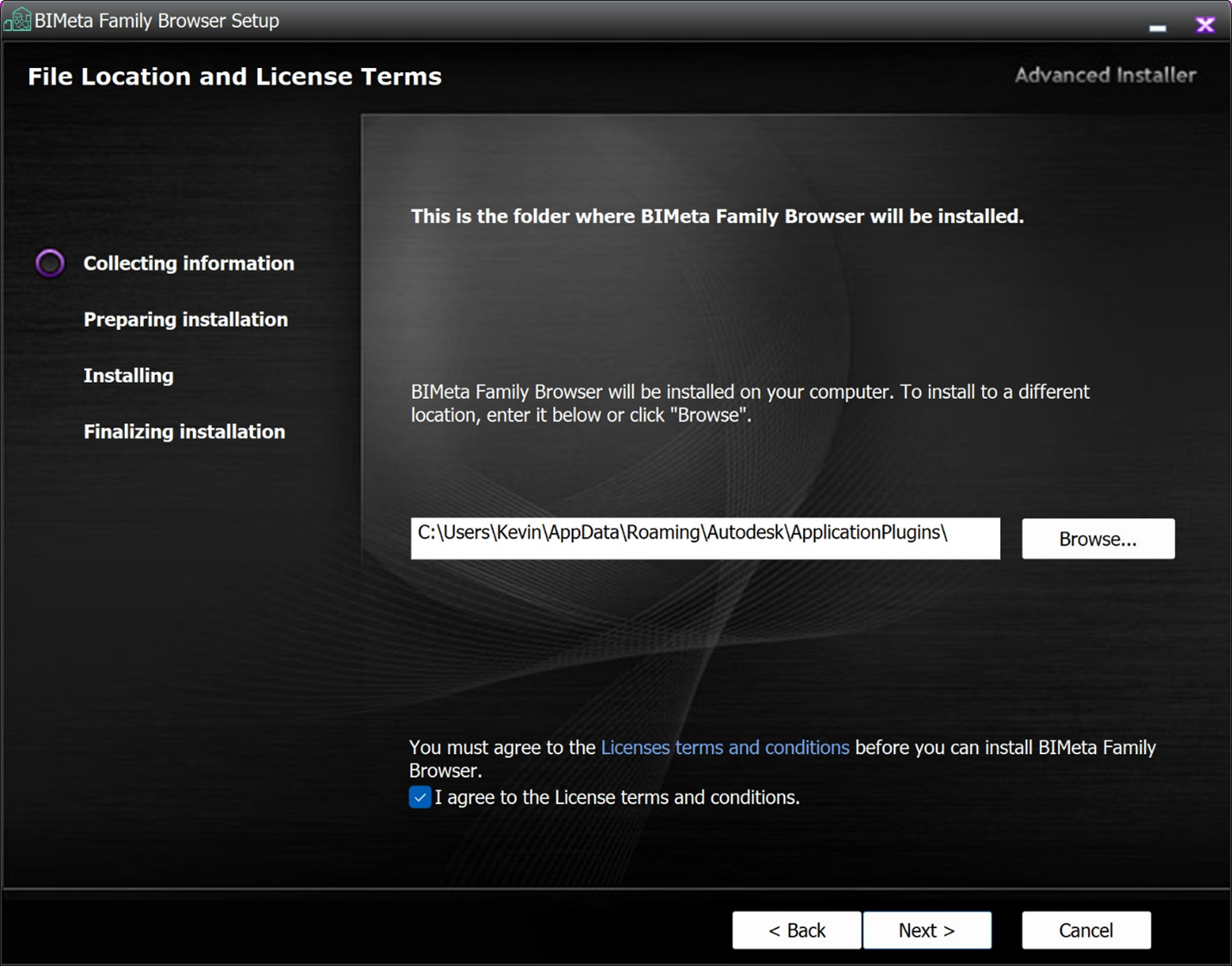
- In the next step, we would advise
all our users to look and read the end user agreement. If you accept
the terms, please check the box to proceed to the next step.
- Once you follow through the next
several steps, you can find the latest version in the "Add Ins Tab".
The Icon will be listed as Family Browser.
The diagram below will show all the functionality and the commands of each item:
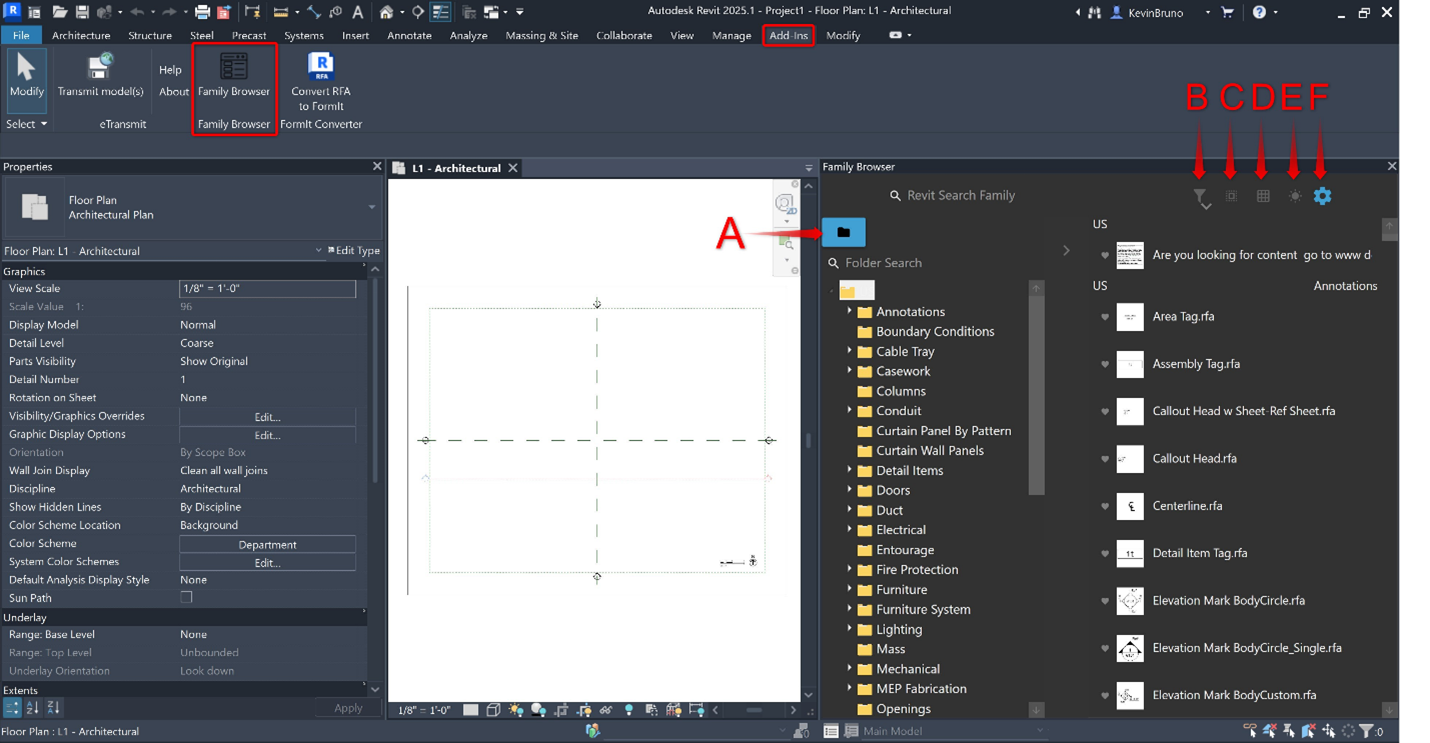
- Folder Load
- Filter Option
- Deep Search
- Toggle List View Vs Grid View
- Toggle Light Mode Vs Dark Mode
- Setting Menu For Images
A. Folder Load – This allows each user to add a personal folder / directory to their station. Please note that it may take time to create the buffer needed for the components.
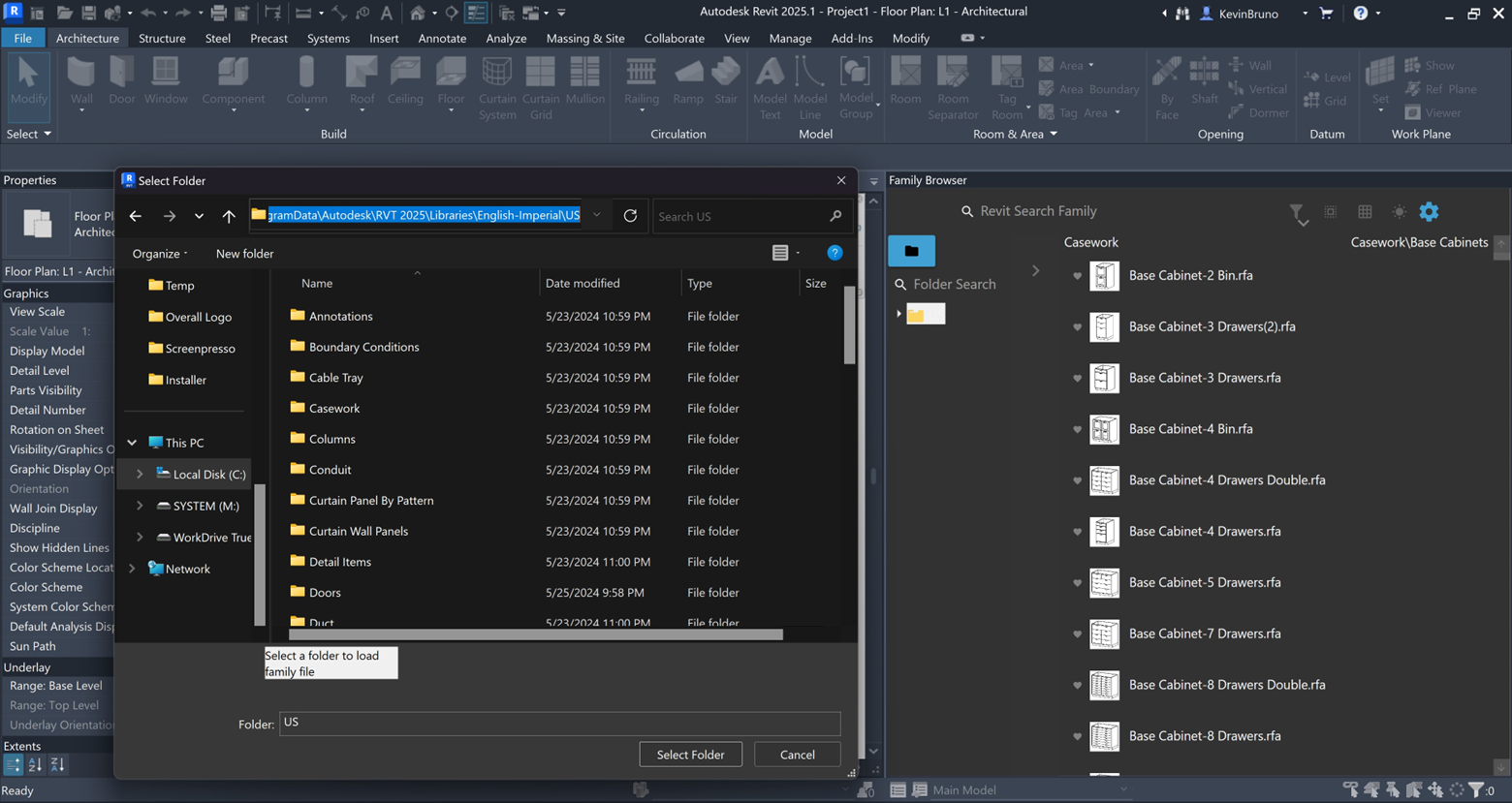
Common Autodesk Library Path:
C:\ProgramData\Autodesk\RVT 2025\Libraries\English-Imperial\US
If you need/want to download the content manually, please follow the steps from Autodesk:
How to download Revit Content (autodesk.com)
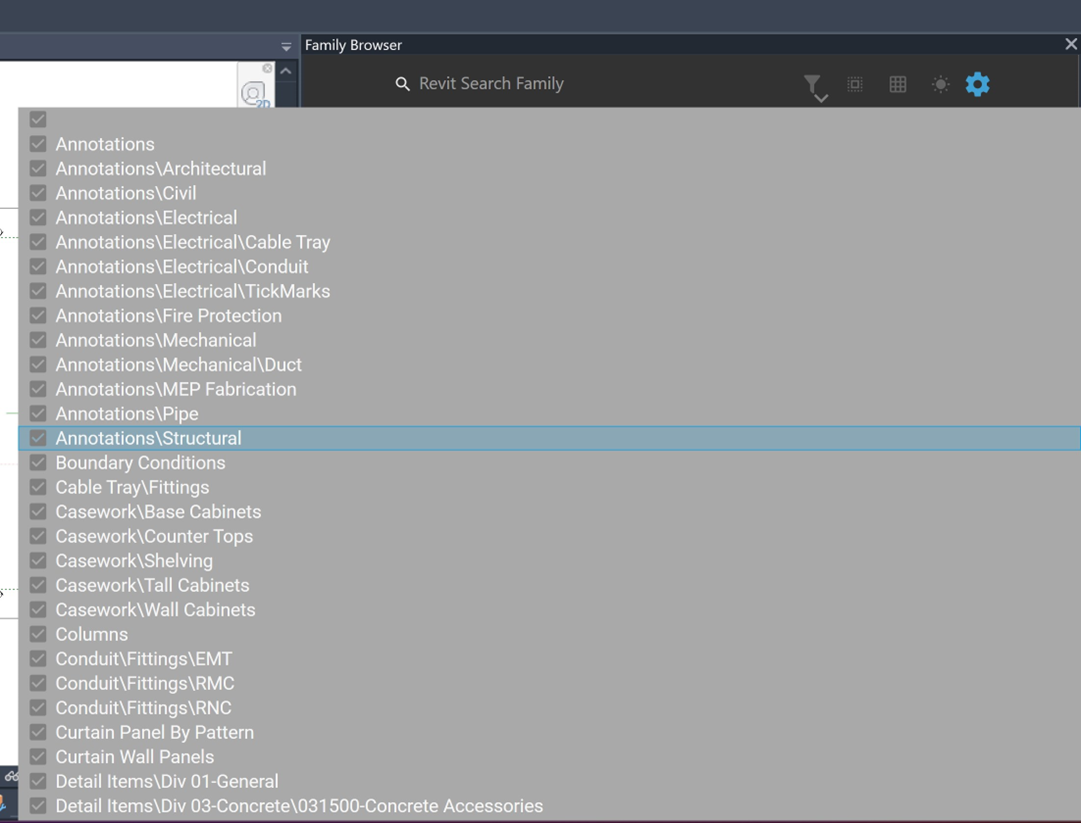
B. Filter Option: This menu allows users to filter out which specific items you may want to see visually.
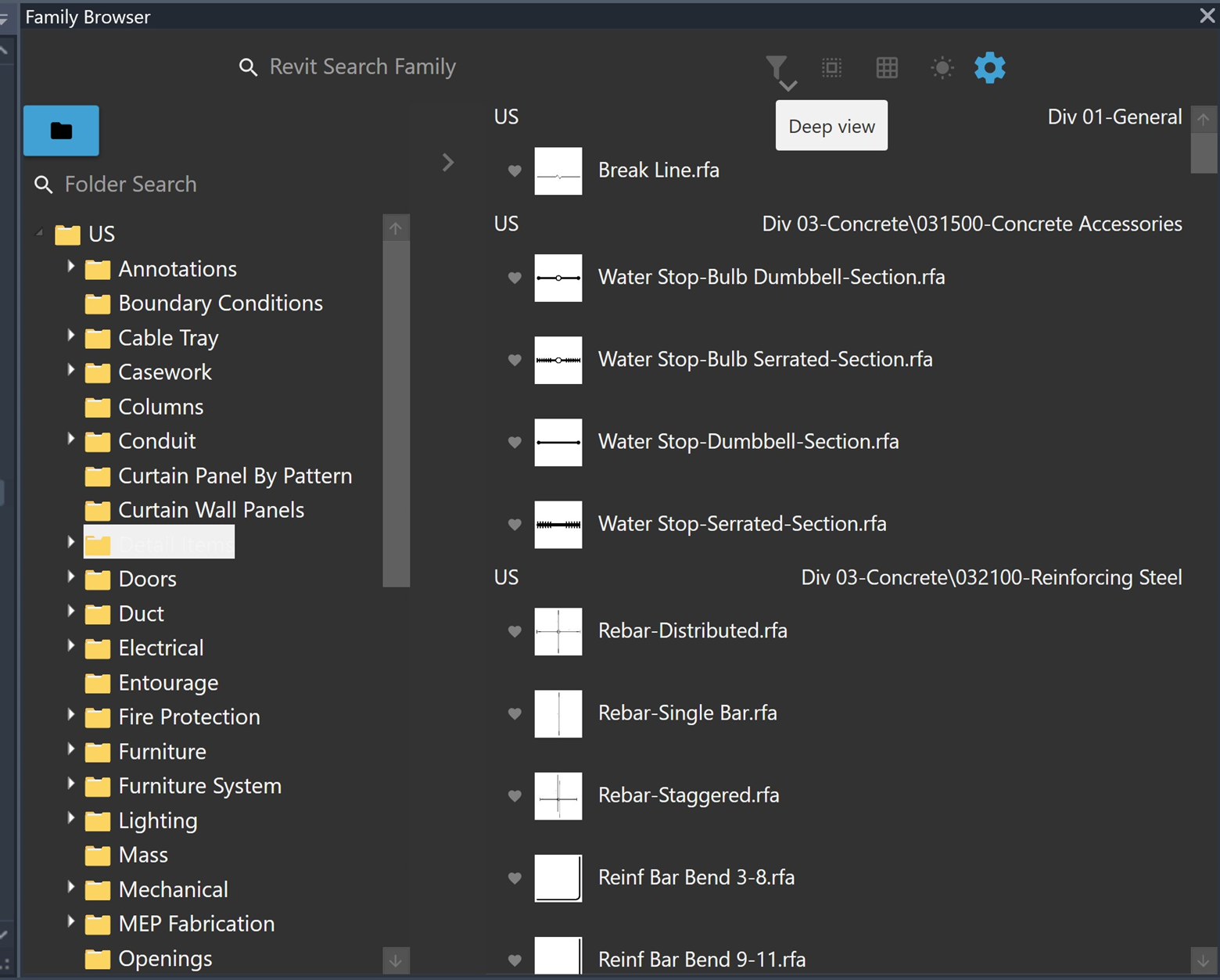
C. Deep Search: By clicking on Deep Search, this allows the user to see items through all levels of folders rather than just the default one layer.
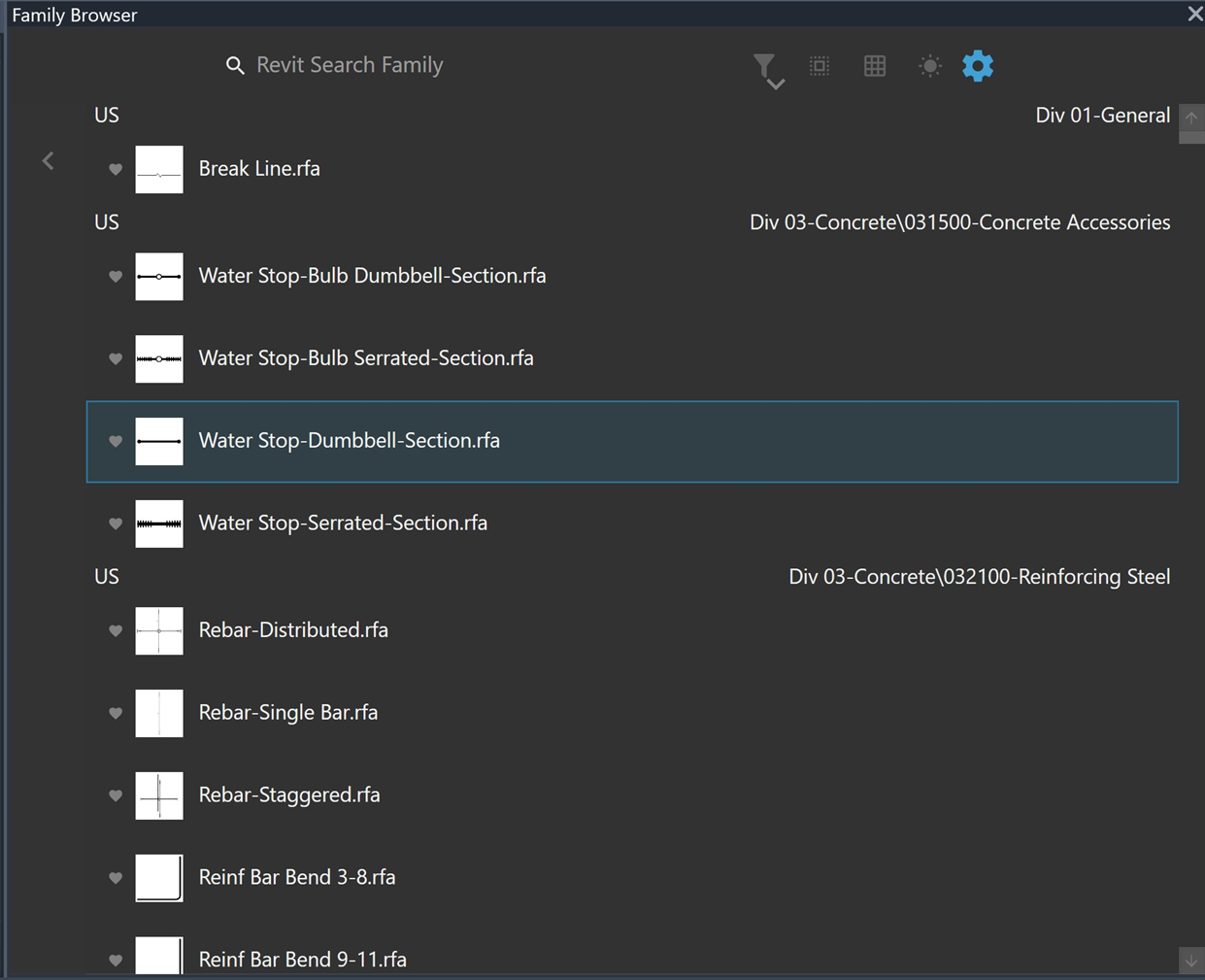
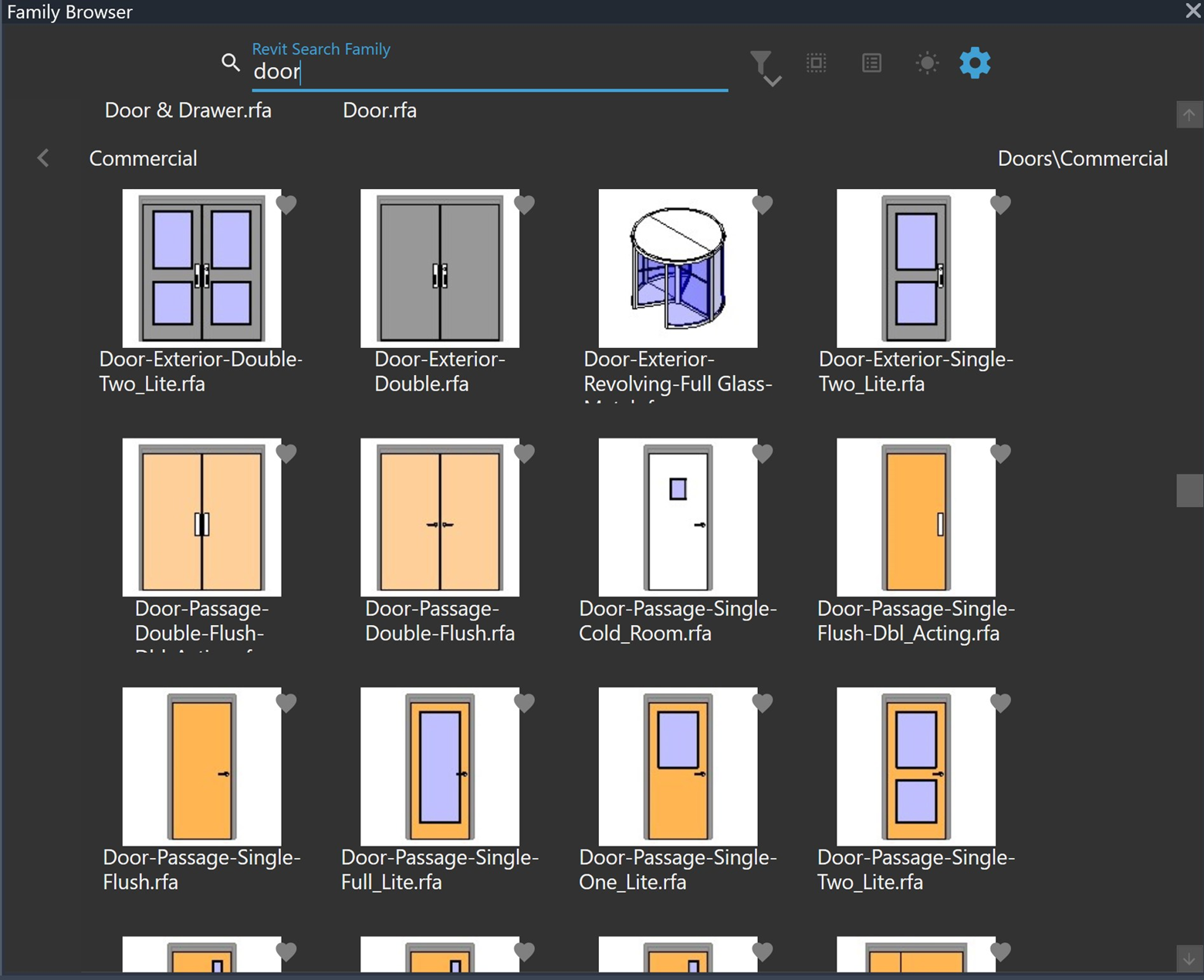
D. Toggle View Vs Grid View:
List View:
E. Toggle Light Mode Vs Dark Mode
Light Mode:
Dark Mode:
F. Setting Menu For Images:
Please Note: If you would like to Remake Thumbnails, you need to Run As Administrator For Autodesk Revit.
Was this article helpful?
Share