



Revit Chat Application
2 views · updated 6 hours ago

To begin, click on the Chat Button to open the dialog shown below:
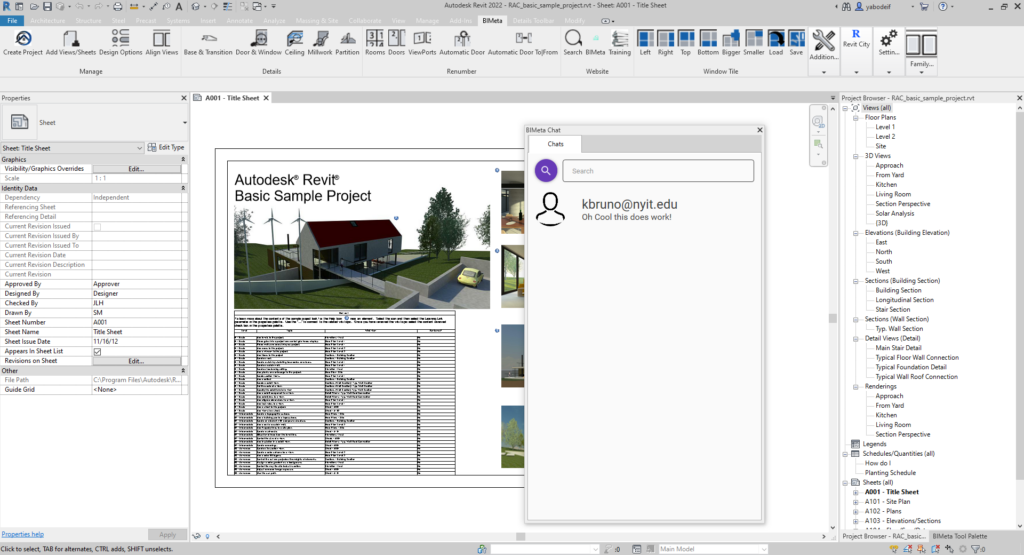
The dialog box can be attached to the side, top, bottom, and detached to multiple places much like the other browsers. If you do not see individual’s pictures, it may be that either
1. They have not updated their profile picture in the settings, or
2. You may not be running Revit in Administrator Mode.
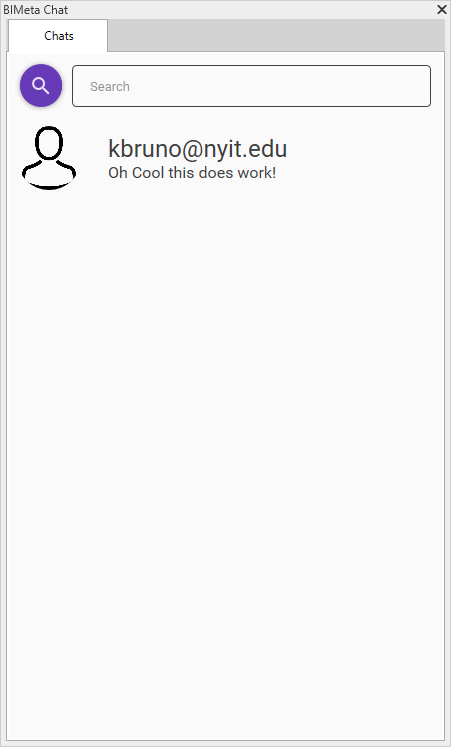
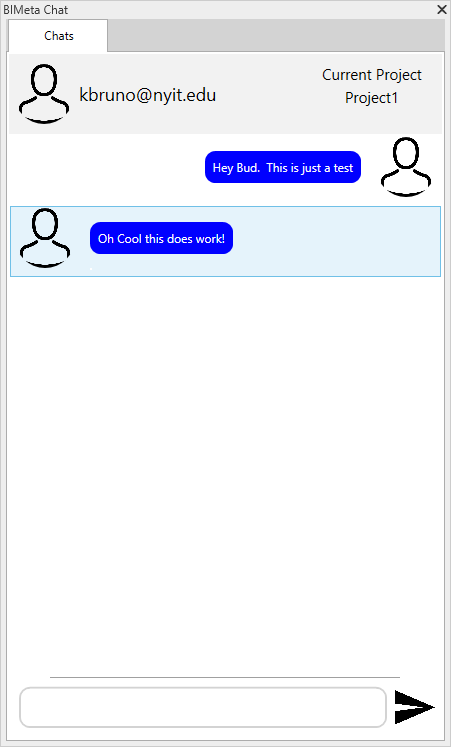
To enter into a chat, click on the individual that you would like to chat specifically with.
If you need to go back from a chat menu, click on the “ Chats” tab uptop in order to go back to the main menu.
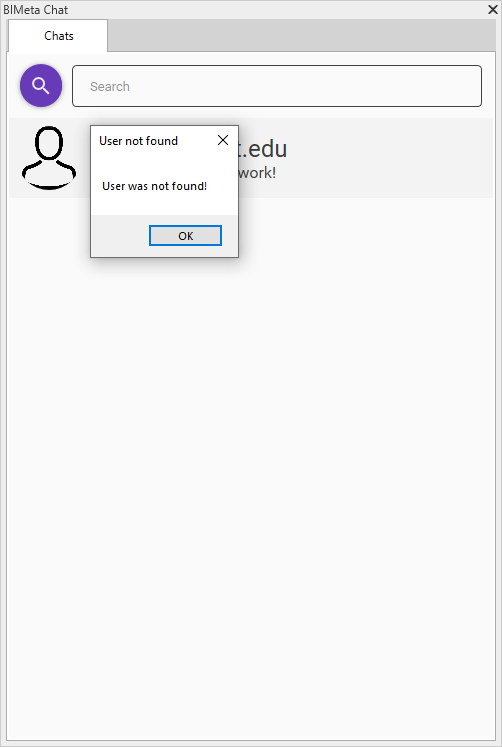
In order to Search for new individuals and add them to your chat menu, you will need to search by members Full Email Address . If an individual is not in the database, the following prompt will let you know.
If you have any questions, concerns, or issues, do not hesitate to contact our team at
[email protected]
Was this article helpful?
Share