



Revit
2 views · updated 6 hours ago

Welcome to BIMeta Revit Chat Application, your gateway to a vibrant community bridging the realms of Autodesk, Trimble, and Bentley. As an innovative platform designed to unite professionals across these industries, we're thrilled to embark on this journey with you. This guide serves as your compass, providing comprehensive instructions for seamless installation and optimal utilization, empowering you to unlock the full potential of our collaborative space. Join us as we revolutionize the way professionals connect, collaborate, and create within the realms of Building Information Modeling (BIM).

To begin, feel free to download our latest applications at: Company Platform (bimeta.net)
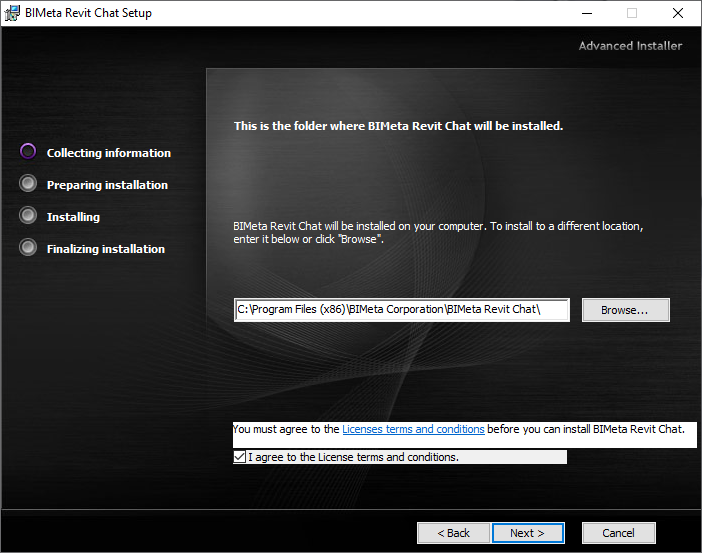
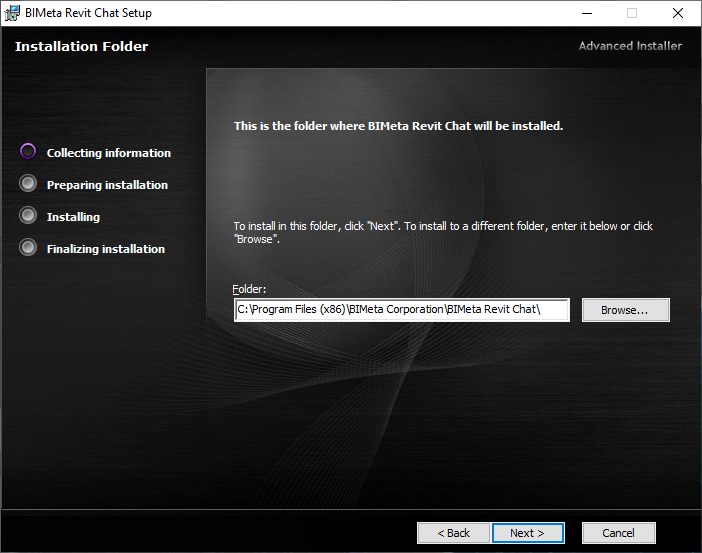
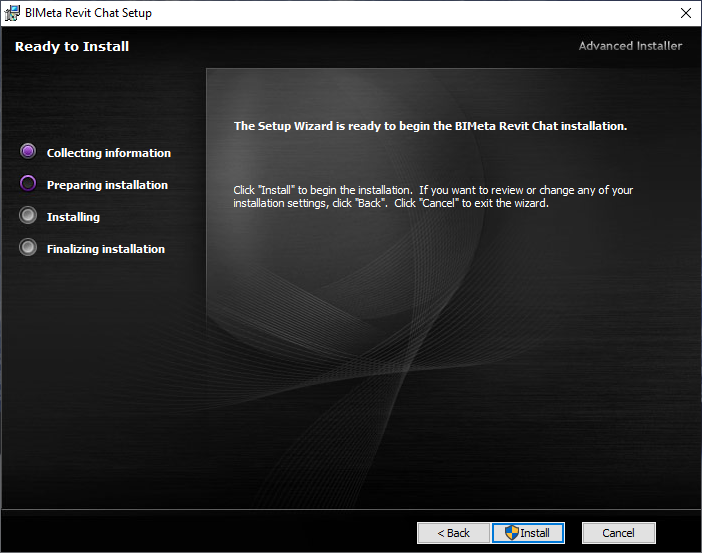
Once you have downloaded the appropriate installer depending on the application you are trying to install, follow the prompts shown below:
Once you have downloaded the appropriate installer depending on the application you are trying to install, follow the prompts shown below:
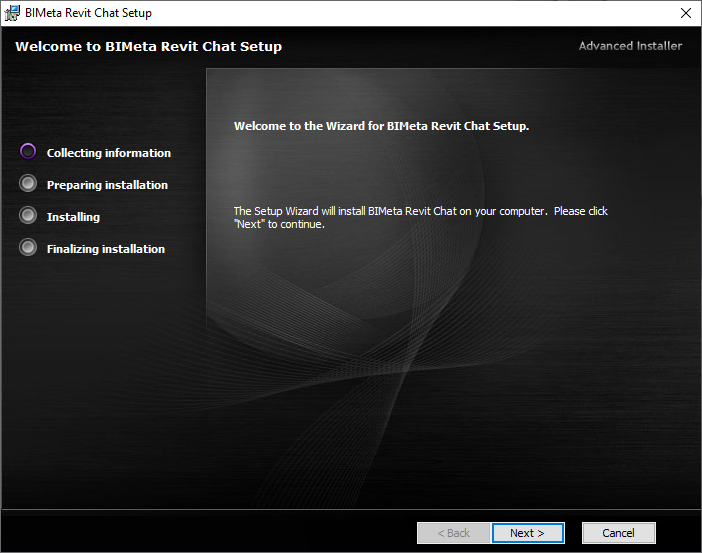
Note: You will have to accept the License Terms And Conditions check box in order to proceed with the installation. The latest License Terms and Conditions can be found at:
End User License Agreement (bimeta.net)
End User License Agreement (bimeta.net)
If you have any issues or questions, please feel free to reach out to our support team at: [email protected] Or Contact Us Directly at our Forms Page and a representative will reach out to you.

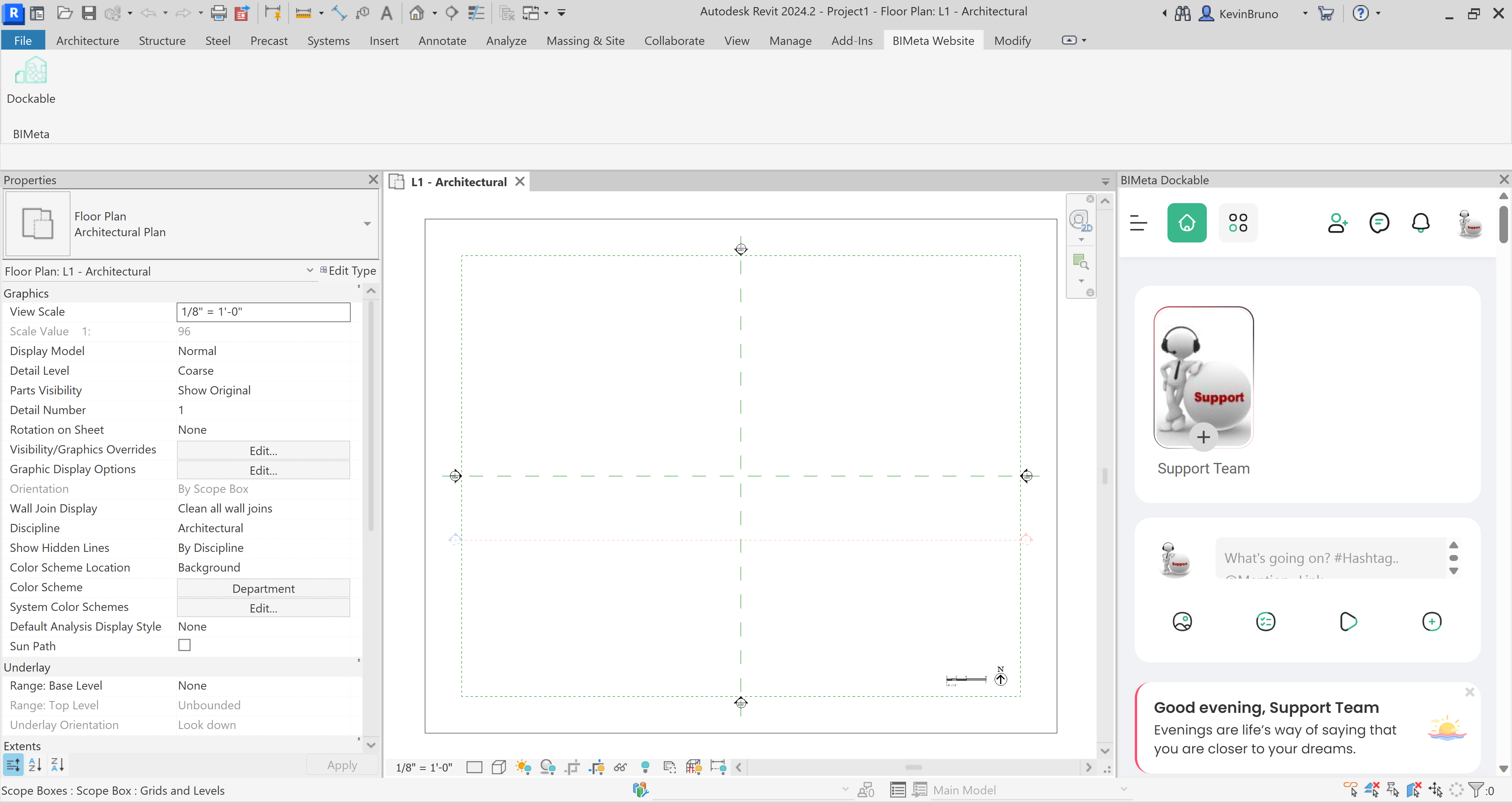
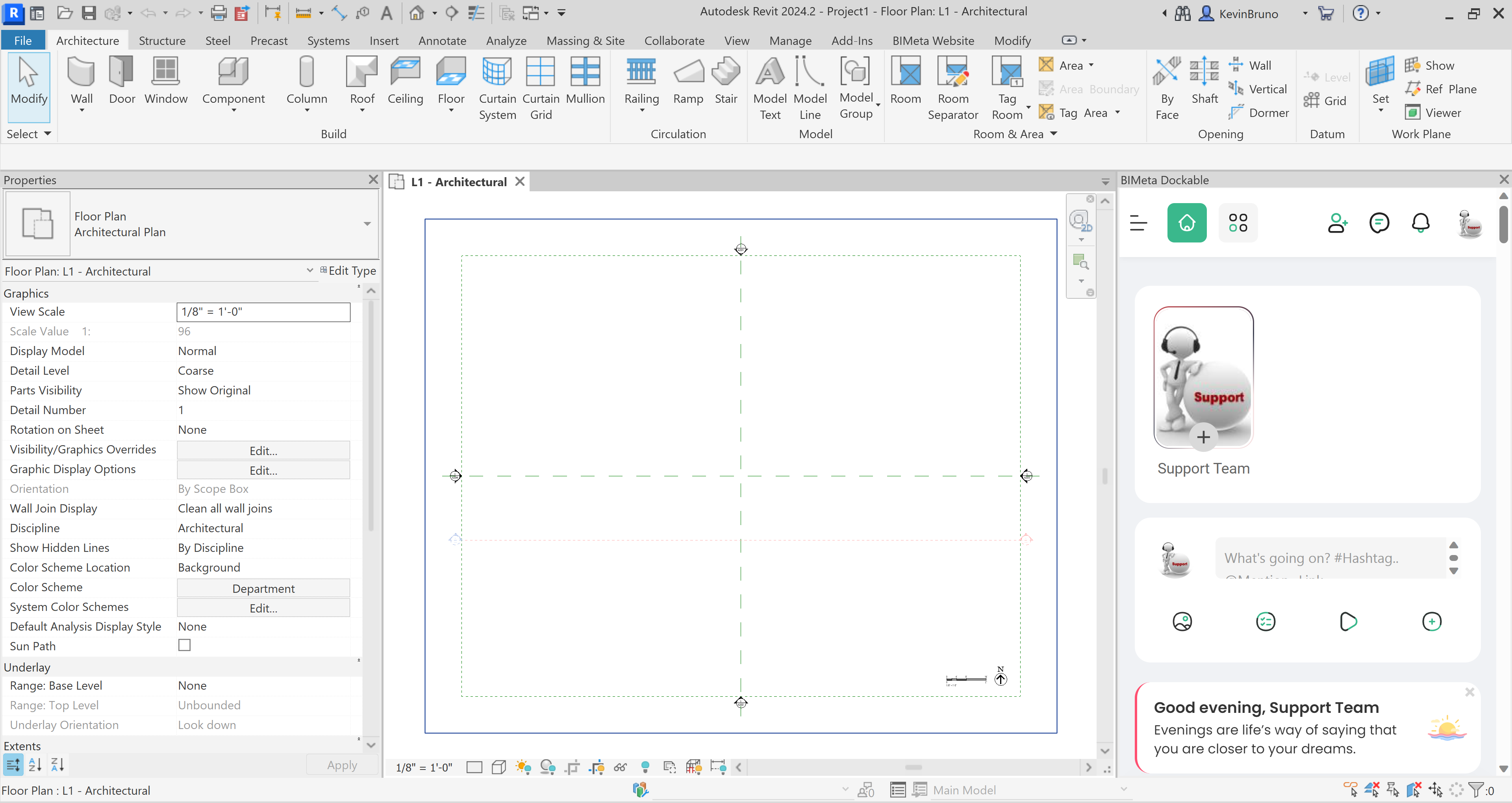
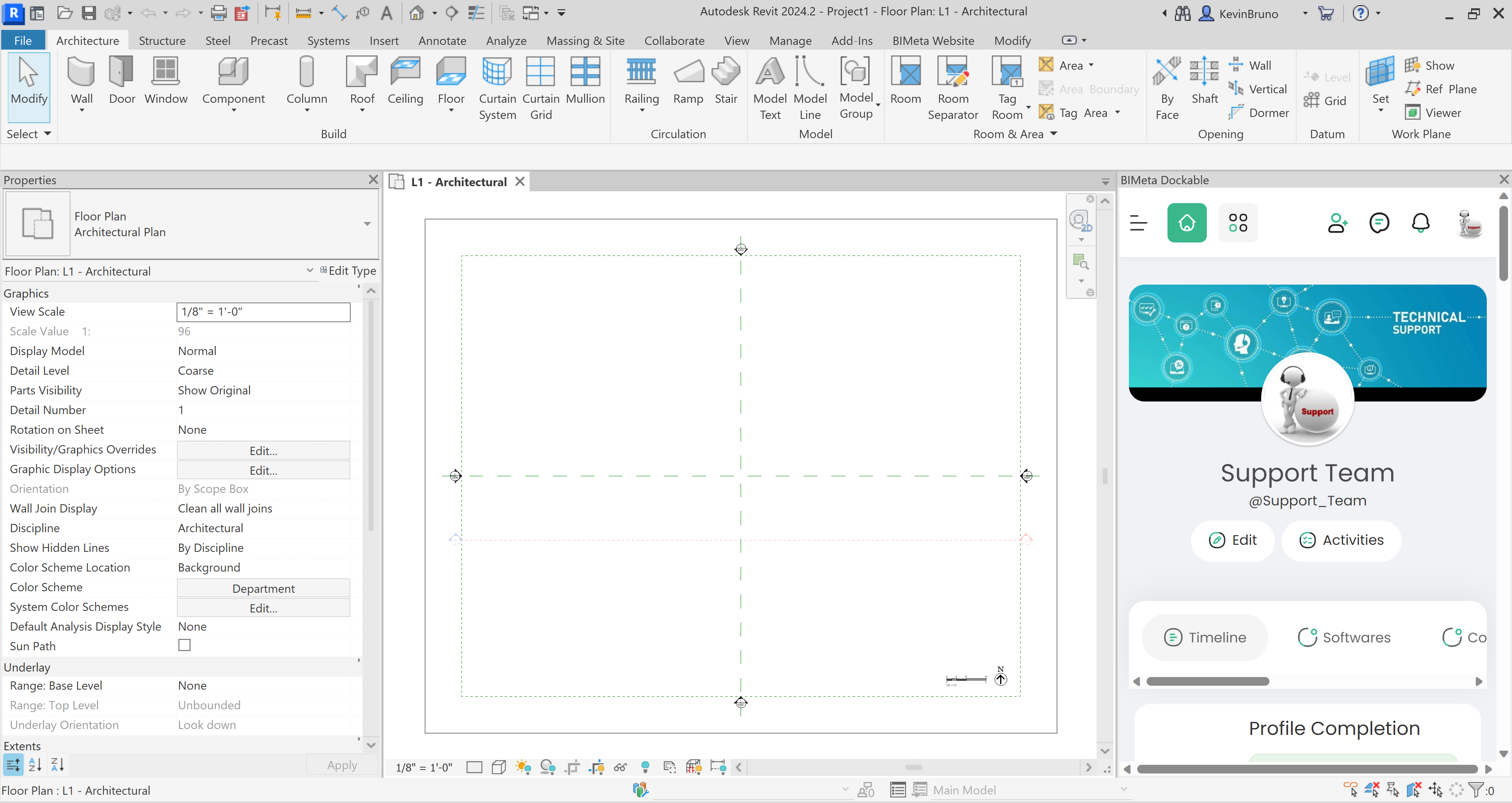
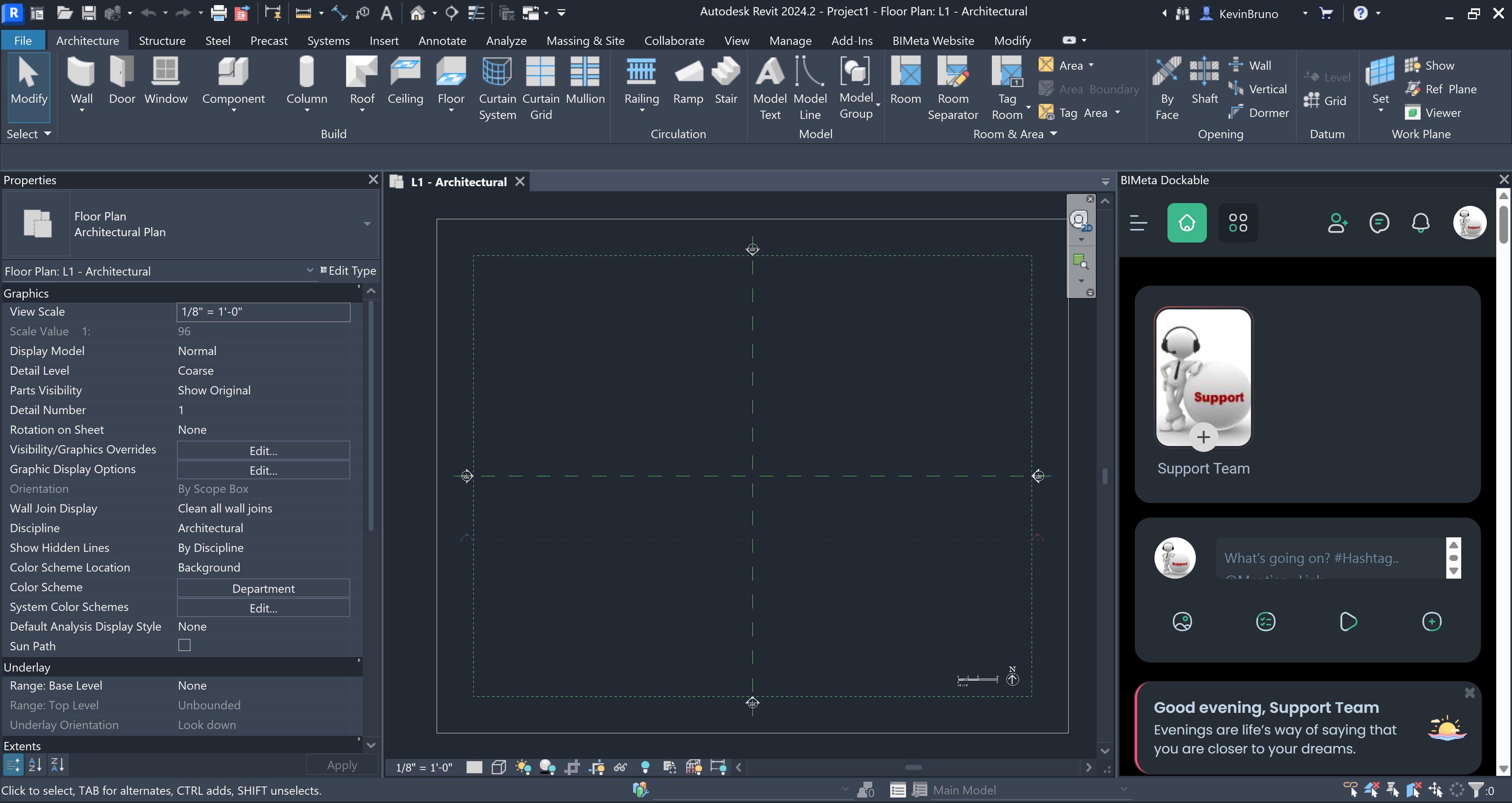
Once you have the started Revit, you will be able to access the BIMeta Tool Palette by going to the "BIMeta Website" tab up top and clicking on the icon. If you do not see the option, please contact us directly.
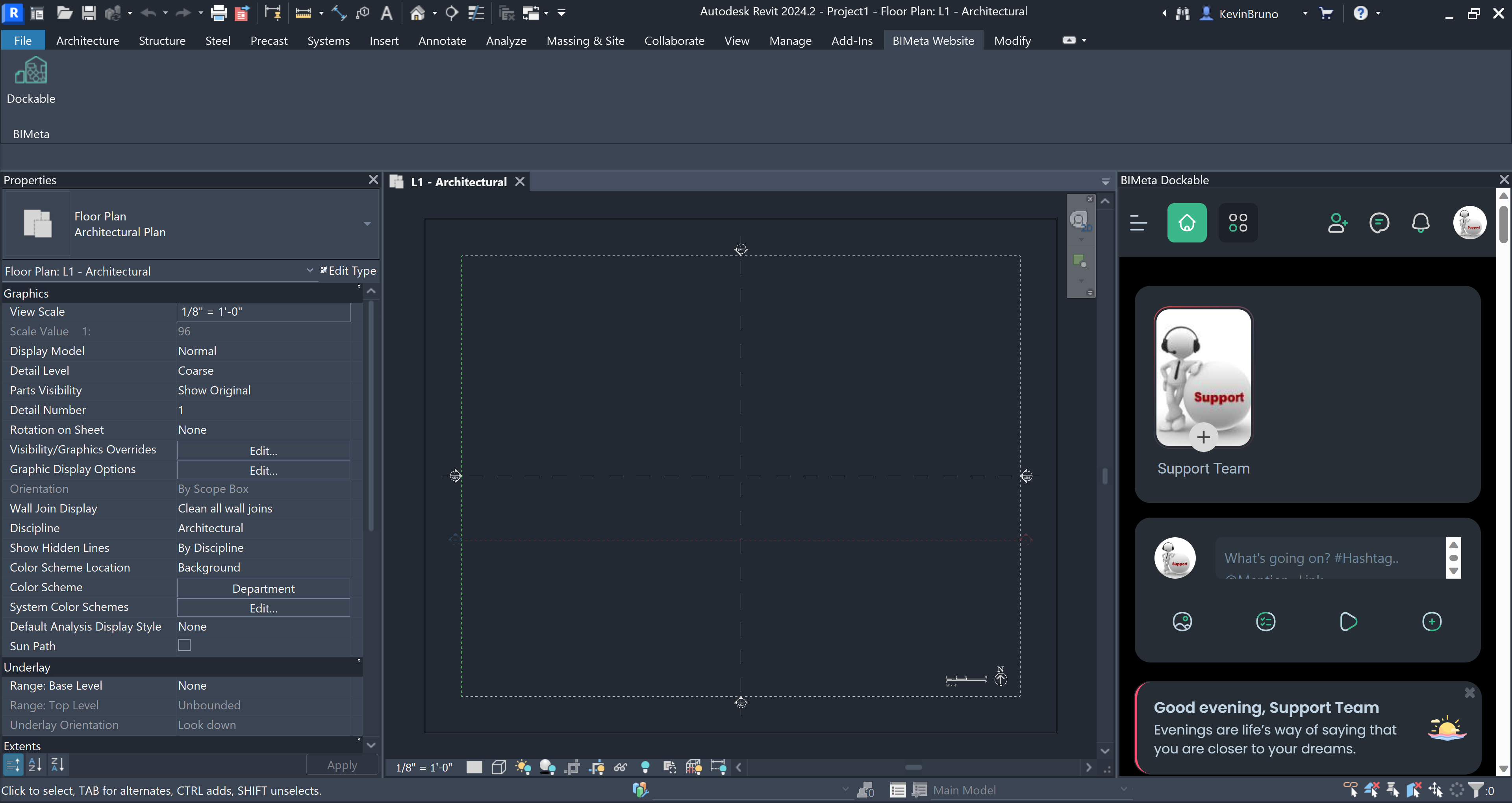
Dark Mode:
Was this article helpful?
Share