



License Tool
2 views · updated 6 hours ago
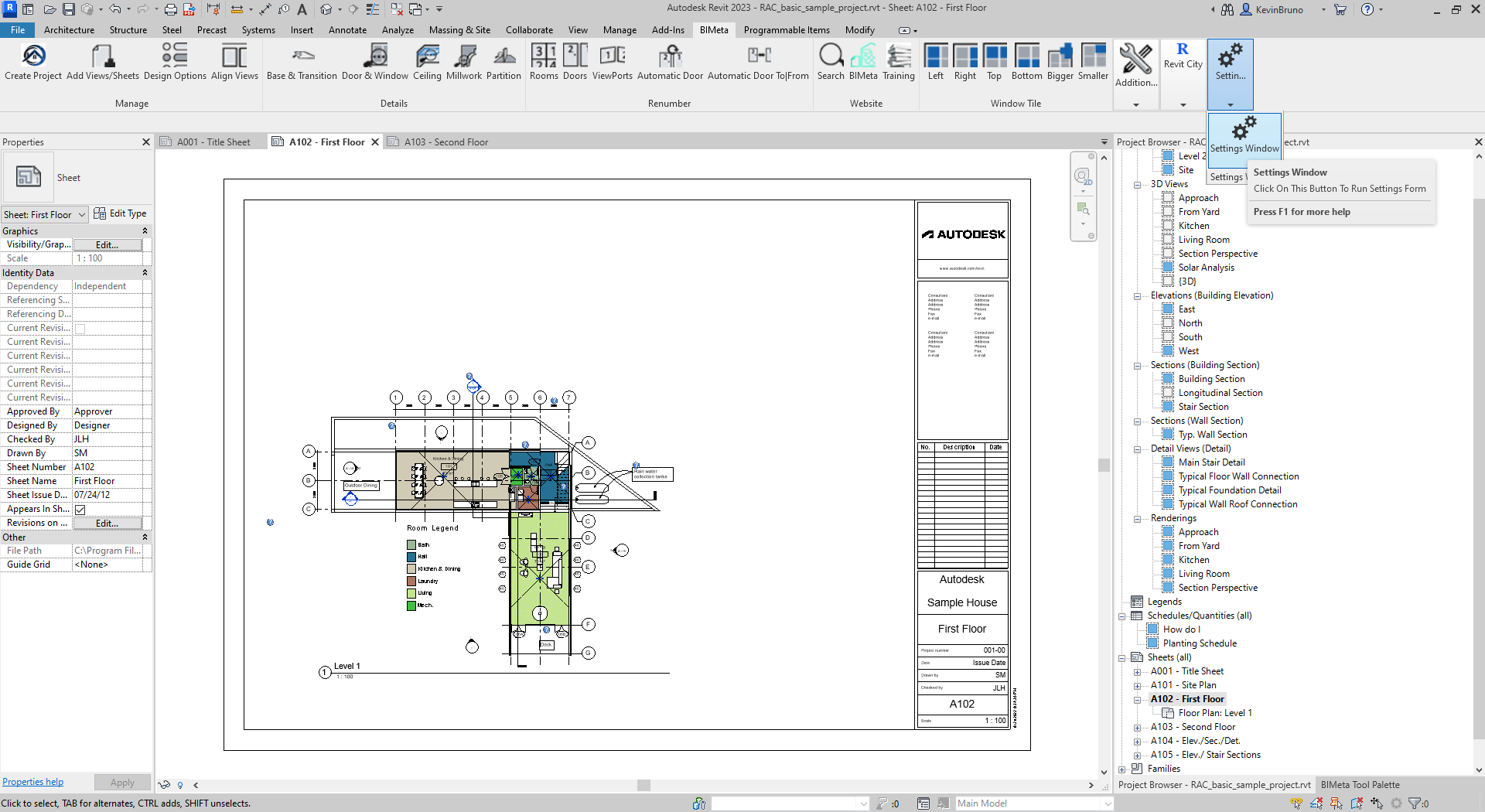
Step 1: To begin, navigate to the BIMeta tool bar and click onto the Settings Button. You may see the days remaining on your trial period popup before and after you exit the License procedure.
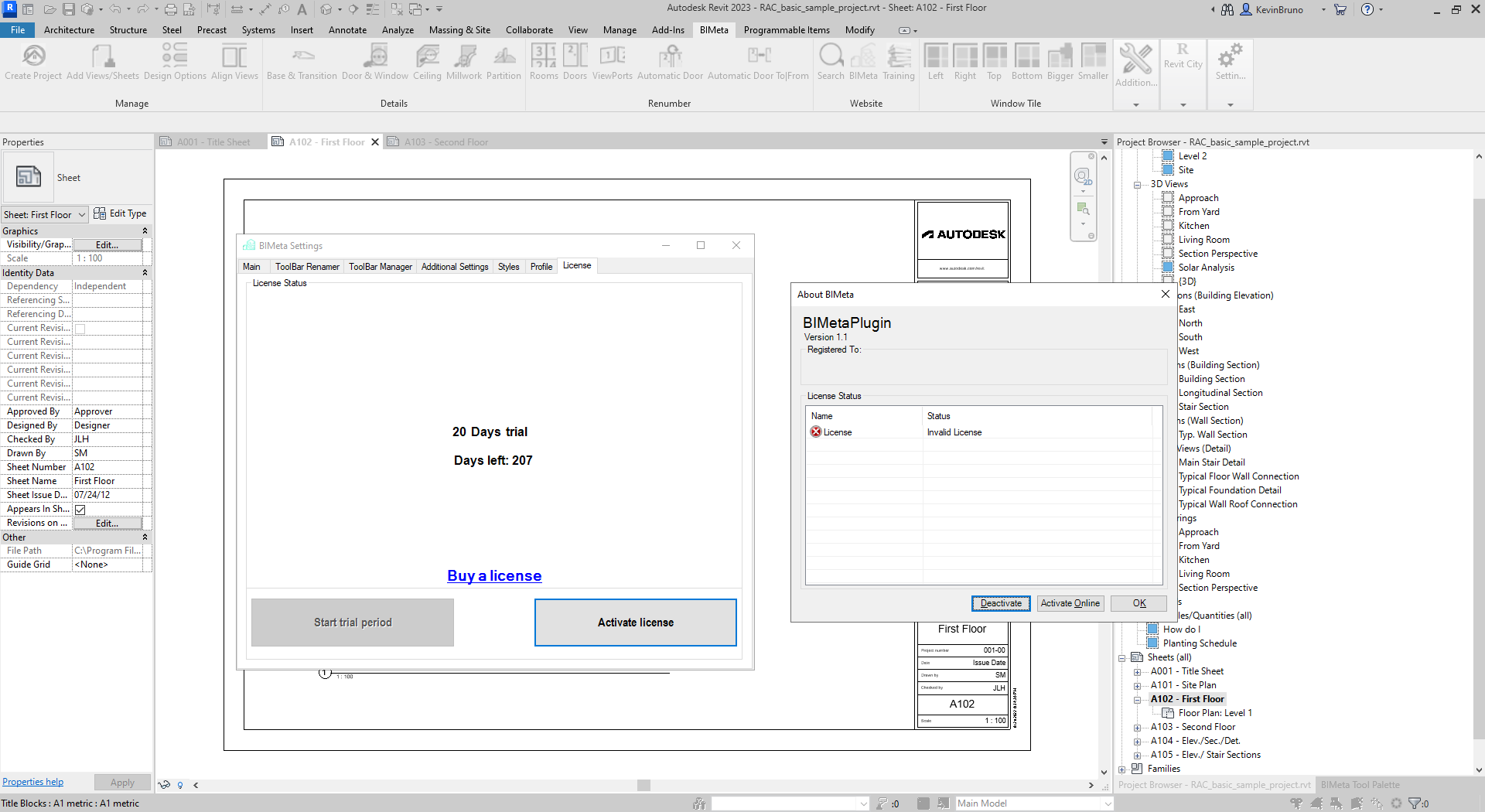
Step 2: Once you have clicked on our License Button, you will see the following prompt appear. To ensure quick and easy activation, we highly recommend activating online. You can purchase a license from http://bimeta.store/buy-now/ OR http://bimeta.store/bundle-deals/. After purchasing a license, you will receive an email with your credentials to activate, manage, and keep track of your products.
Step 1: To begin, navigate to the BIMeta tool bar and click onto the Settings Button. You may see the days remaining on your trial period popup before and after you exit the License procedure.
Was this article helpful?
Share