



The development portal: Custom Development on its own address
16 views · by Kevin J Bruno · updated 2 days ago
The development portal is a web address of its own that shows BIMeta Custom Development and nothing else. It's handy for people who work on development requests but don't need the rest of your firm's portal, and for opening a request quickly from anywhere. It shows the same requests, with the same pages, as Admin → Custom Development in your firm's portal.
Where to find it
- Normally
dev.followed by BIMeta's domain. BIMeta may also give it a second address of its own; both work the same. - BIMeta's team signs in to the same portal under
/staffwith their own accounts.
Who can use it
Anyone in your firm who can see development requests: by default Business Owners, IT Staff and BIM Managers (Owners, IT staff and BIM managers can sign in.). What each person can do is the same as in the firm's portal.
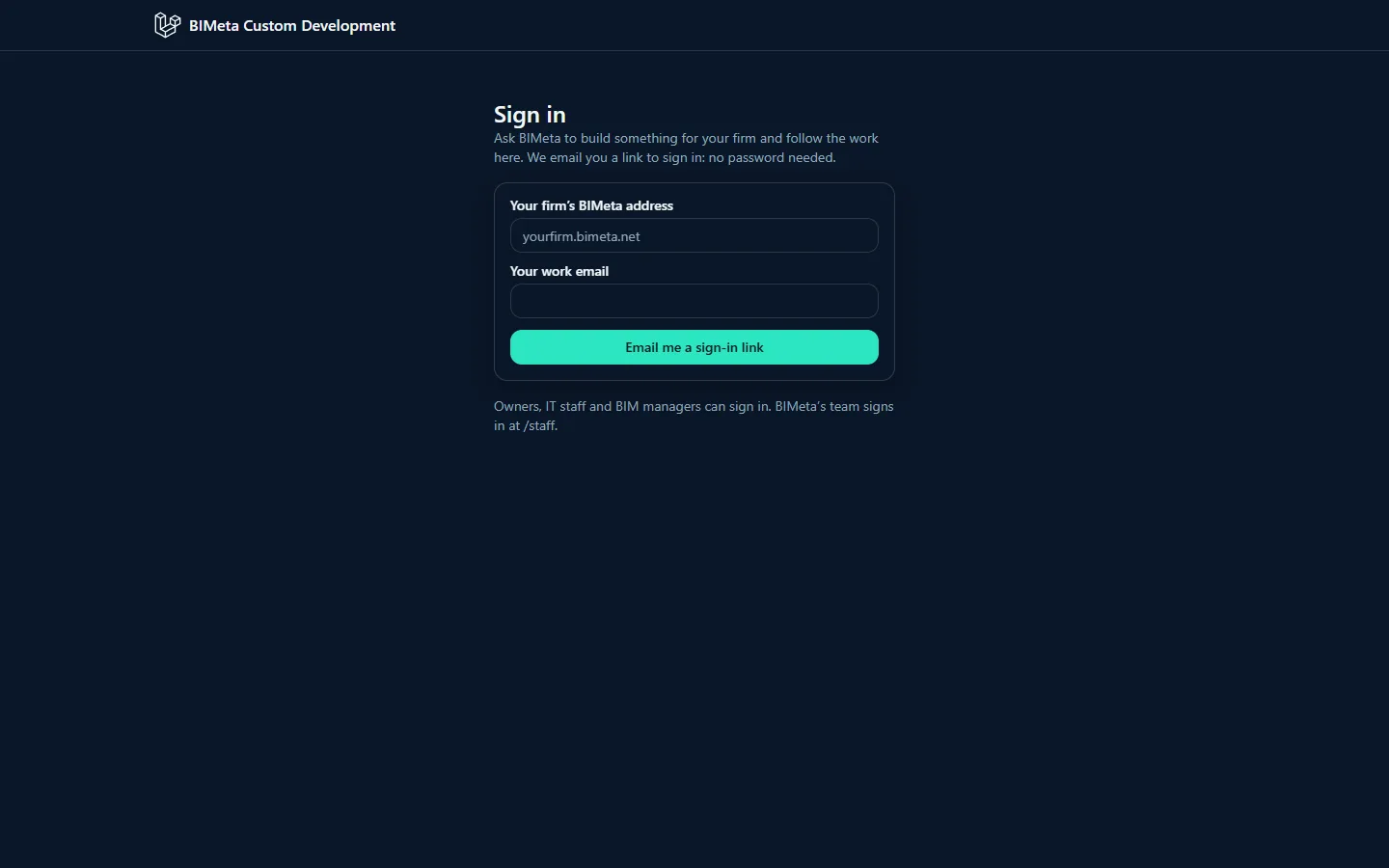
Signing in
There's no password: you get a one-time sign-in link by email.
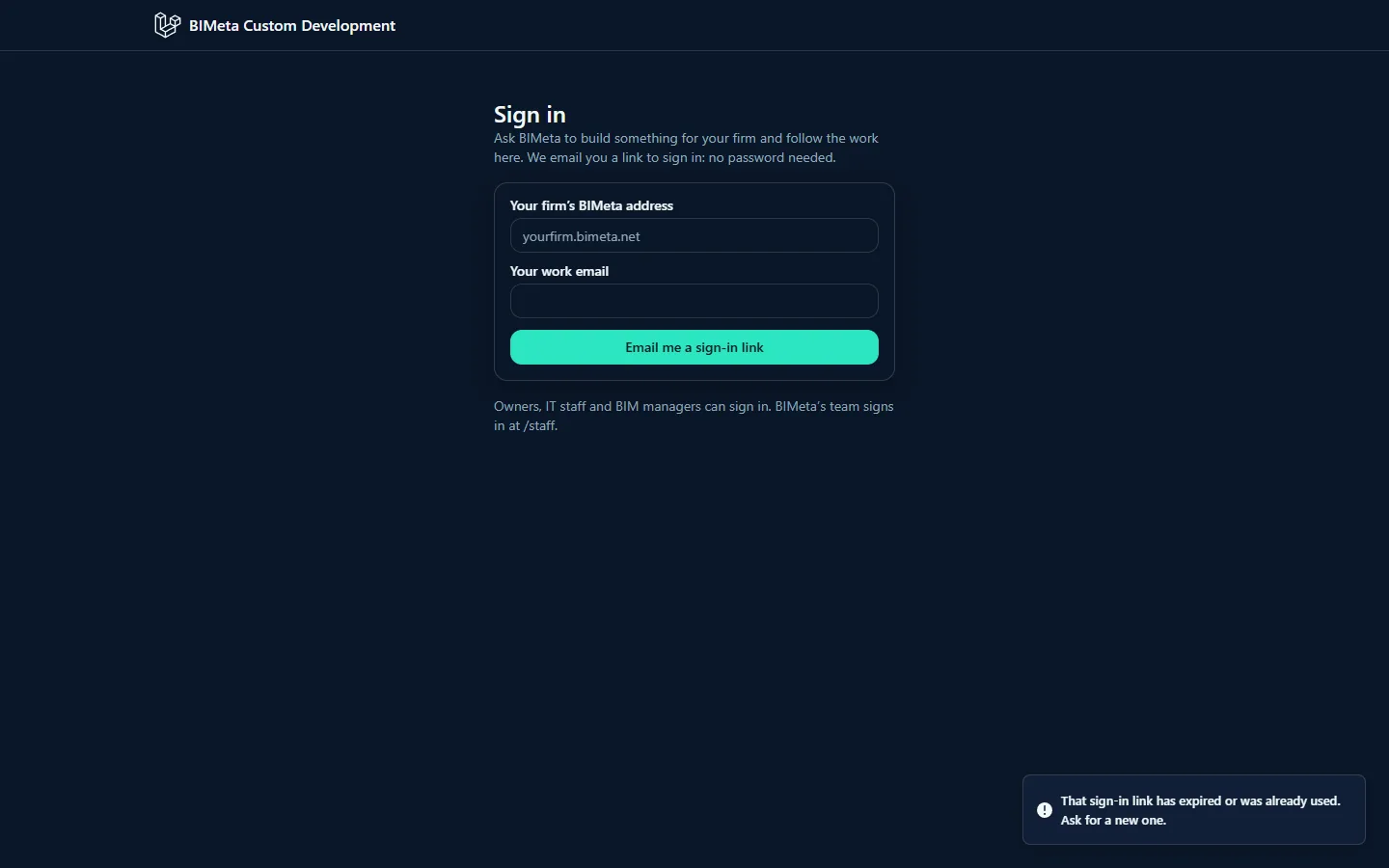
- Open the development portal. You see Sign in.
- In Your firm's BIMeta address, type your firm's portal address, for example
northlightor the full address of your firm's portal. Both work. - In Your work email, type the email you use in your firm's portal.
- Click Email me a sign-in link. You see If that person can use Custom Development, a sign-in link is on its way. It works once, for 15 minutes.
- Open the email Your sign-in link for BIMeta Custom Development and click the link. You're signed in and see your firm's requests.
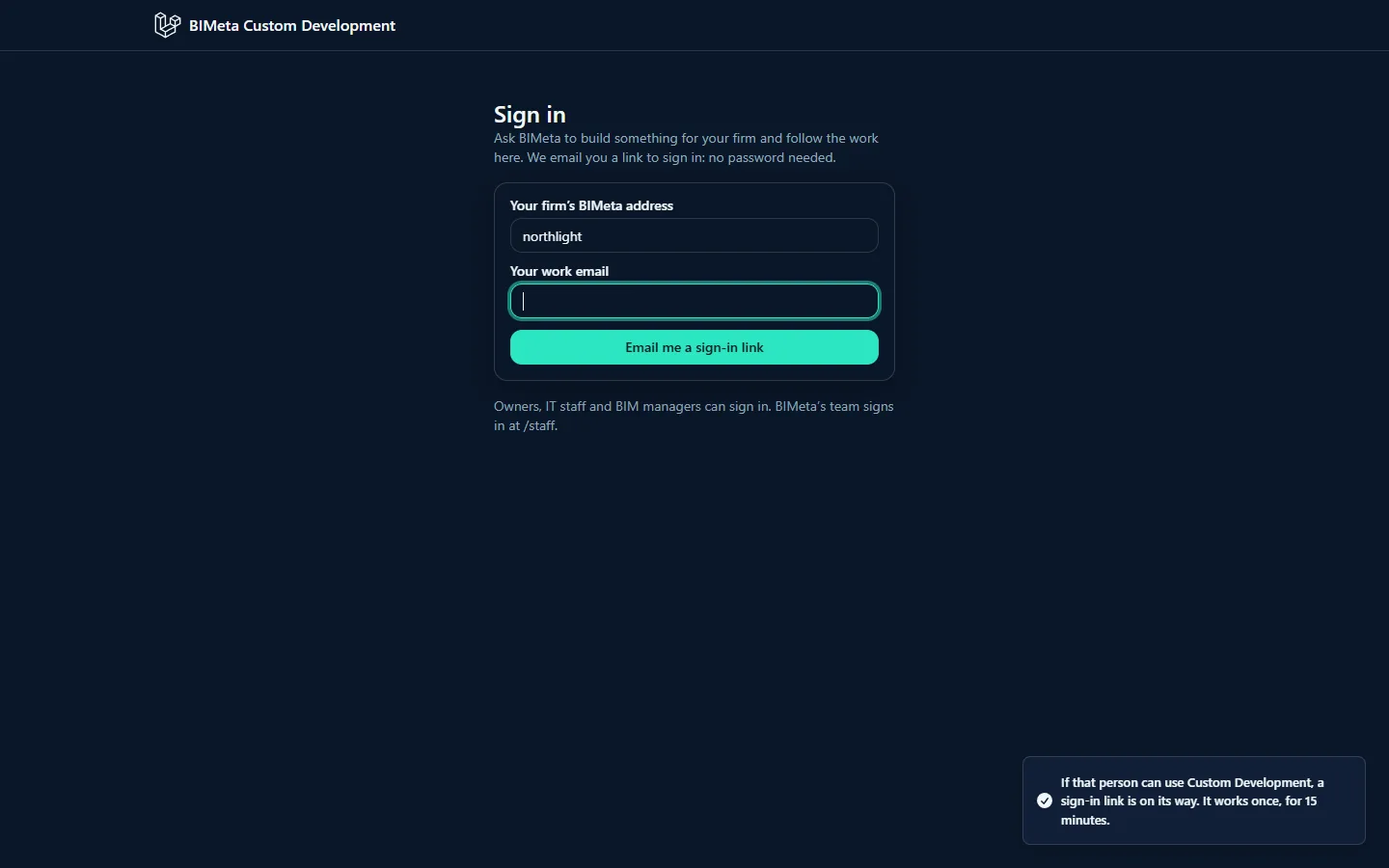
The message is the same whether or not the address and email are right, so nobody can use the form to find out who has an account. If you don't get an email, check the firm address and email, and that your role can see Custom Development.
A tour of the portal
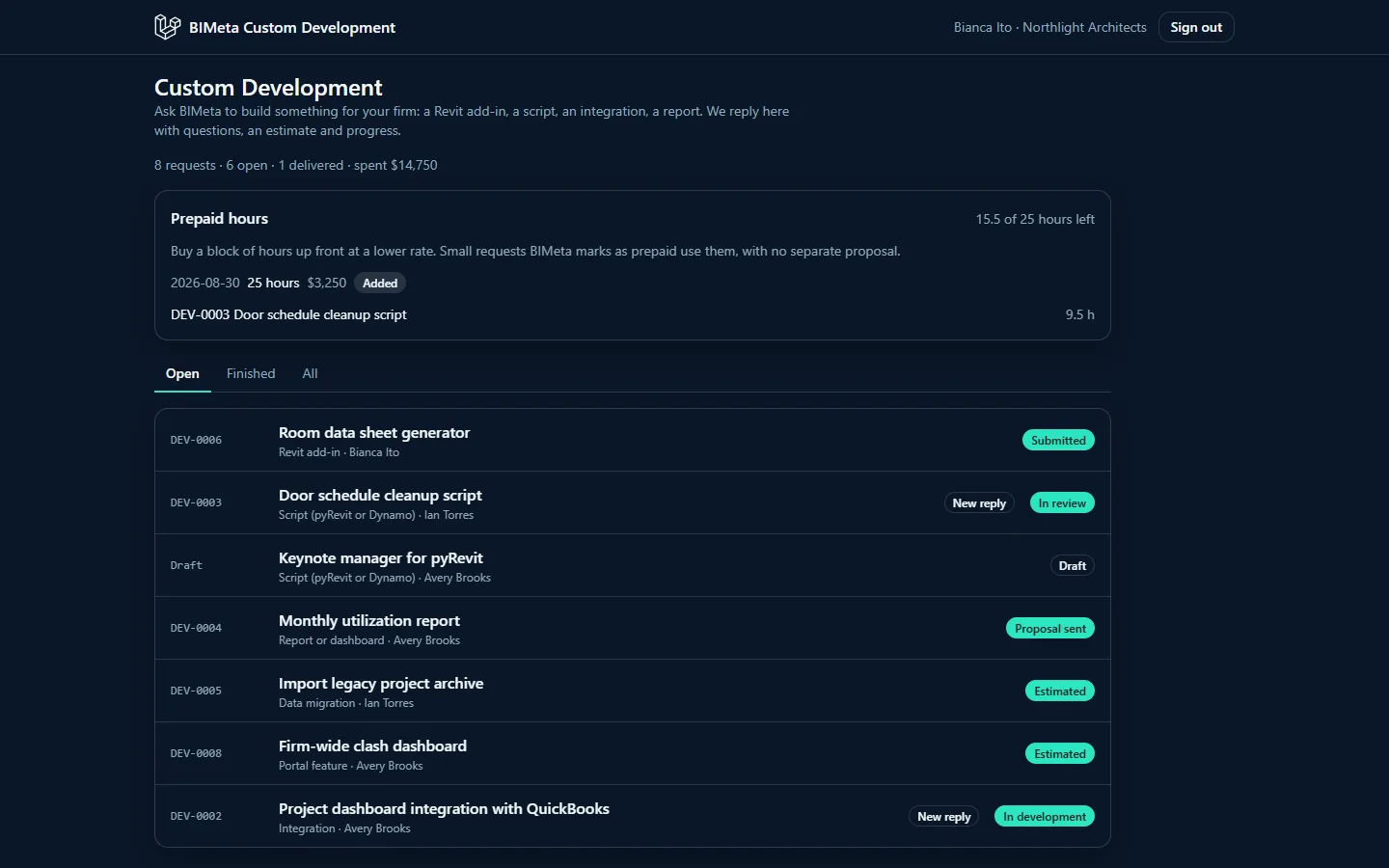
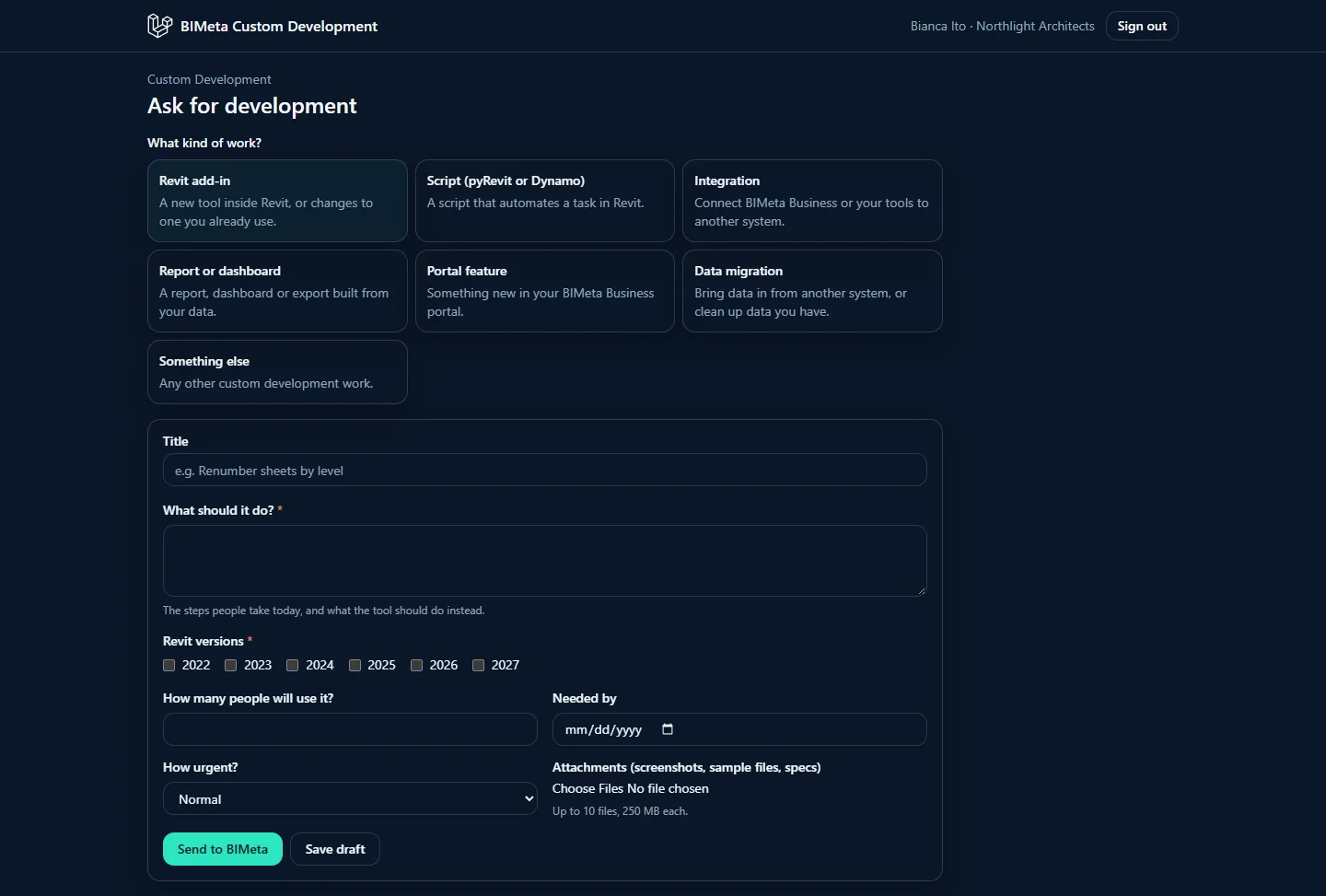
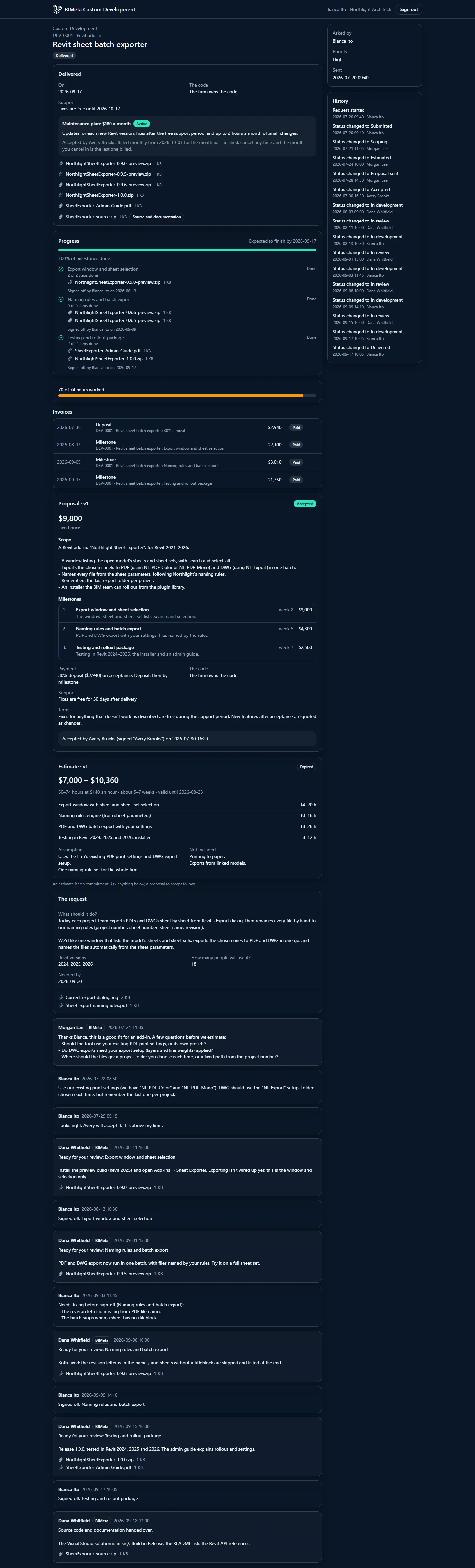
The top bar shows BIMeta Custom Development, your name and firm (for example Bianca Ito · Northlight Architects) and Sign out. Below it are the same pages as in your firm's portal:
- The list of requests with the summary, prepaid hours and the Open, Finished and All views (see The Custom Development page: your requests, summary and settings).
- The form to ask for work (see Asking for development: request types, the form and attachments).
- Each request's page (see A request's page: conversation, status and history).
Tips and good to know
- A link works once and for 15 minutes. Ask for a new one whenever you need it; up to 5 links an hour are sent to one person.
- Signing in to the development portal never signs you in to your firm's portal, and the other way round.
- Your access is checked on every page: if your account is deactivated or your role loses the Custom Development permission, you're signed out.
- Links in BIMeta's emails about a request open it in your firm's portal.
Troubleshooting
"That sign-in link has expired or was already used. Ask for a new one."
The link is older than 15 minutes or was already used (each link works once). Ask for a new link.
A button I expected is missing on the development portal.
Open the same request from Admin → Custom Development in your firm's portal, where every action is available to your role.
I'm at BIMeta and need to sign in.
Use /staff on the development portal with your console account.
Was this article helpful?
Share