



BIMeta Detail Finder: Overview
2 views · by Kevin J Bruno · updated 3 minutes ago
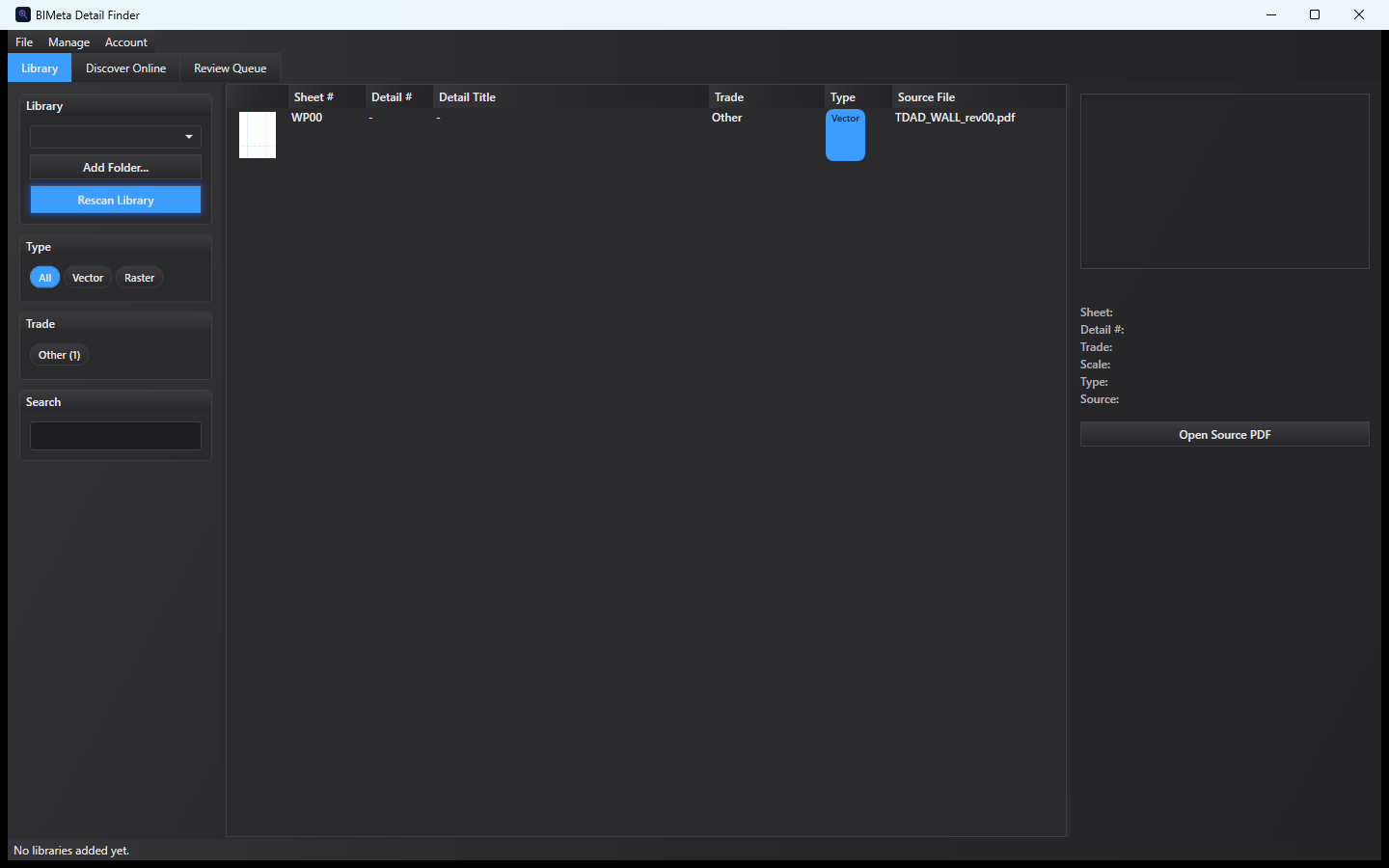
BIMeta Detail Finder scans folders of PDF and DWG drawing sets and builds a searchable catalog of the details inside them — detail number, sheet, title, trade and more. An optional Discover Online tab uses web search and AI to find new details for you to approve.
Detail Finder is in early release. Results on real-world drawing sets can vary — always check against the source PDF.
What you can do
- Library folders with Rescan Library
- Classifies PDF pages as vector or raster
- Extracts detail callouts: Detail #, Sheet #, Title, Trade, Confidence
- Filter by trade, type, sheet, scale and source
- Preview with Open Source PDF
- Discover Online with a Review Queue to approve or reject candidates
System requirements
- Windows 10 (1809) or later, 64-bit
- A BIMeta account
- Discover Online needs your own AI and search API keys
More help
Was this article helpful?
Share