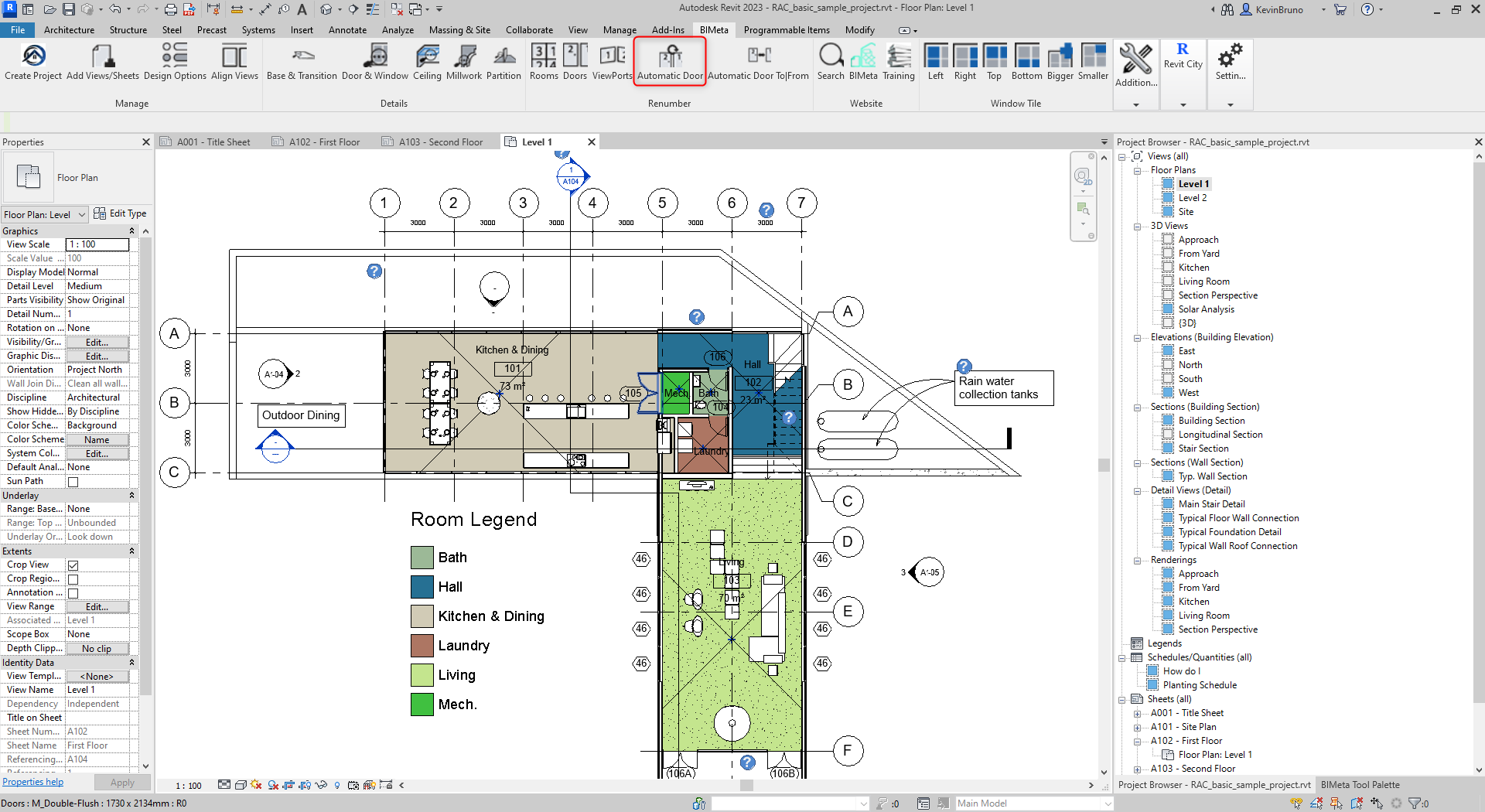
These buttons are used to quickly renumber items by clicking on the specific target whether a room, door, or viewport. Follow the steps below for each type of renumbering to easily and swiftly renumber items. This procedure is applicable in Revit 2018 to the current release.
Step 1:
To begin, navigate to the BIMeta tool bar and click down to the Automatic Door Renumber Command.
Step 2:
Next, proceed to click on the room you want to pre-select.
Step 3:
Finally, once you have selected the room, proceed to click on the door you want the number to correspond to. This will terminate the command and renumber accordingly.