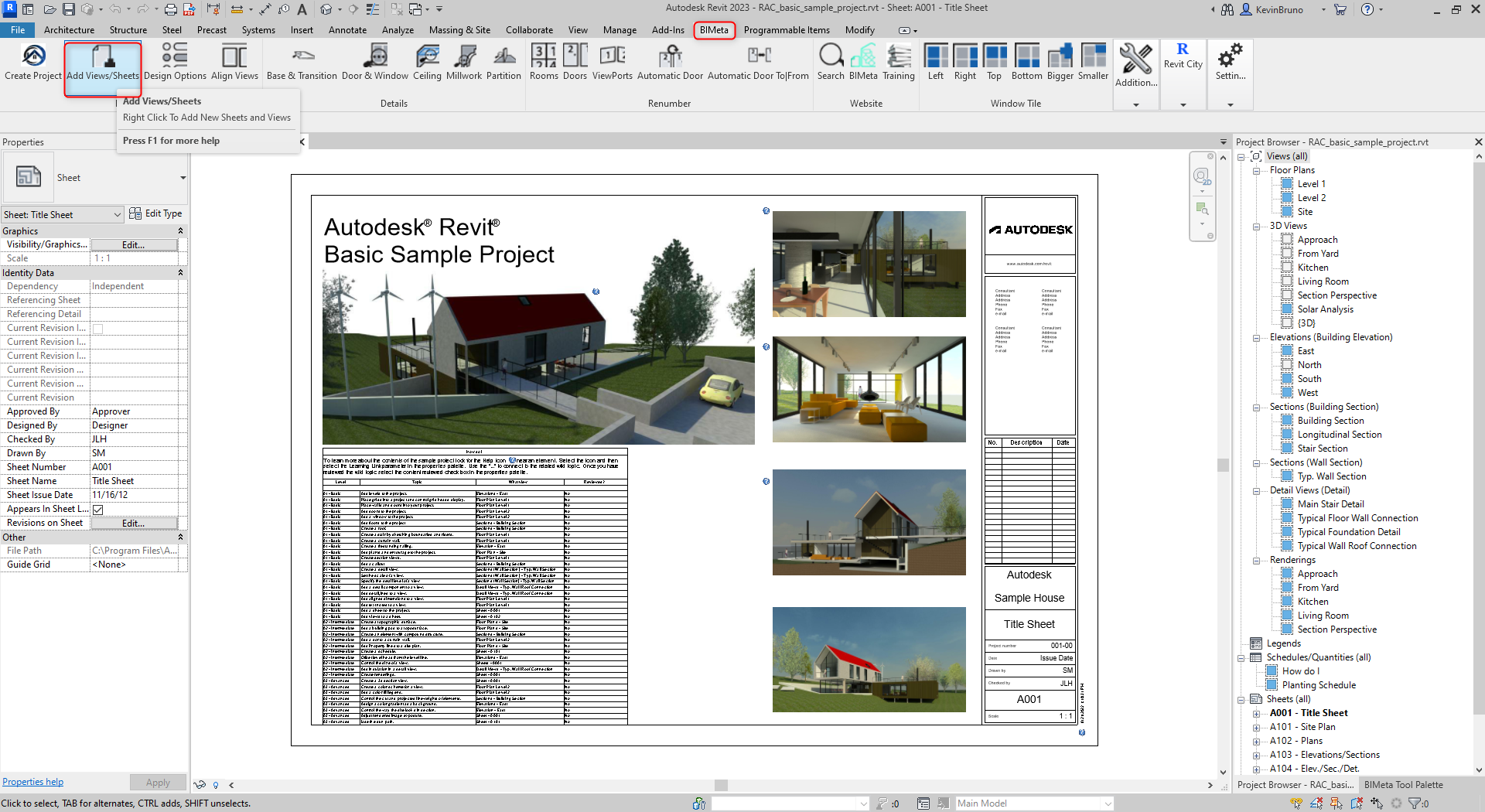
This button allows the user to easily and quickly add views and sheets to your current project. By using this tool, your views can adopt templates, and be put onto sheets with applicable scales quickly and efficiently. This procedure is applicable in Revit 2018 to the current release.
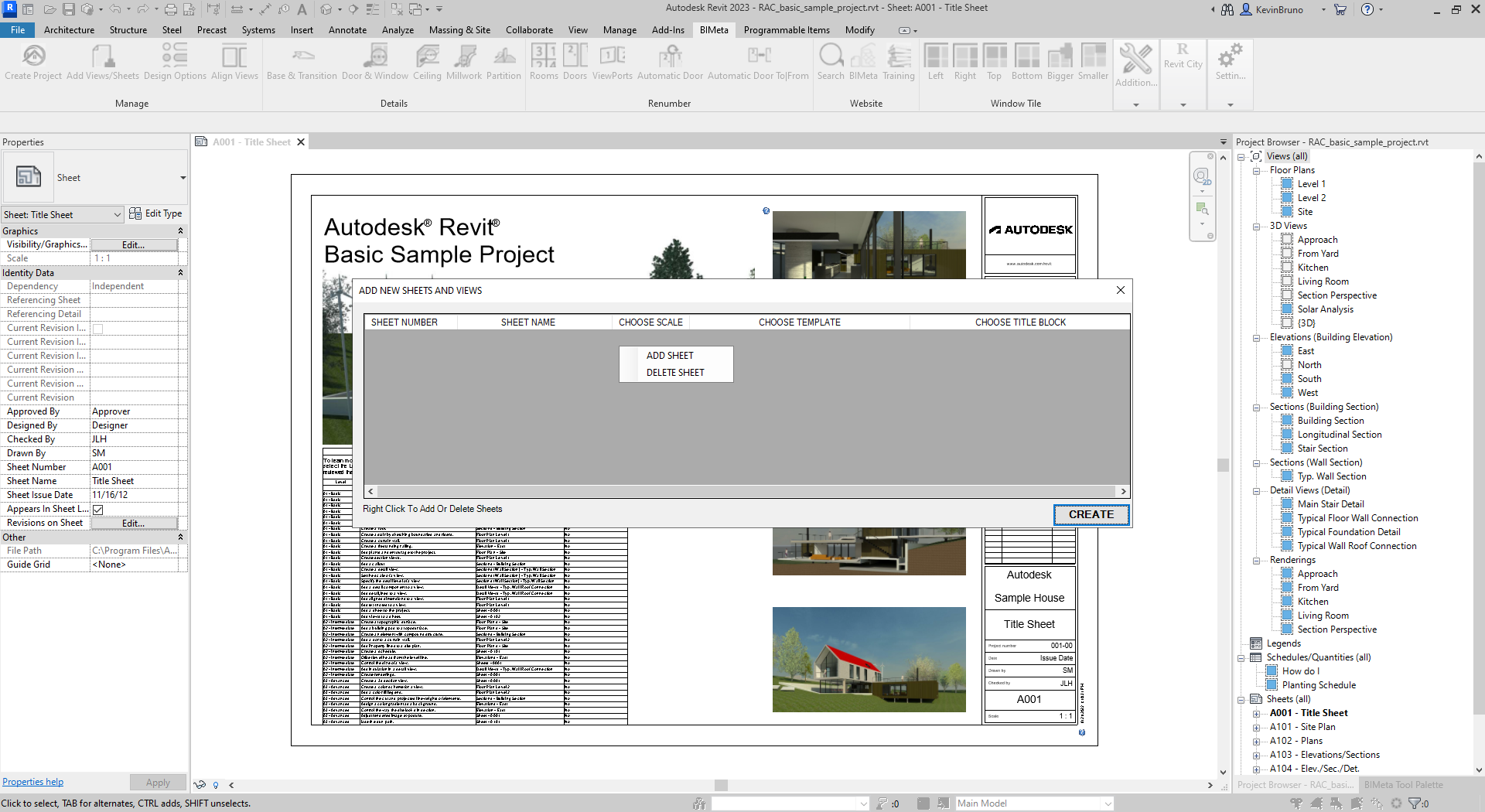
Step 1: To begin, navigate to the BIMeta Tab and click on Add Views And Sheets. From this menu, you will have to RIGHT CLICK to add or remove any sheets you wish to enter.
Step 2: Once you have entered the corresponding information with or without templates assigned, you can click on the Create Button to see your information created.